Mimo Monitors
info@mimomonitors.com
Sales: 1-855-YES-MIMO (937-6466)
31
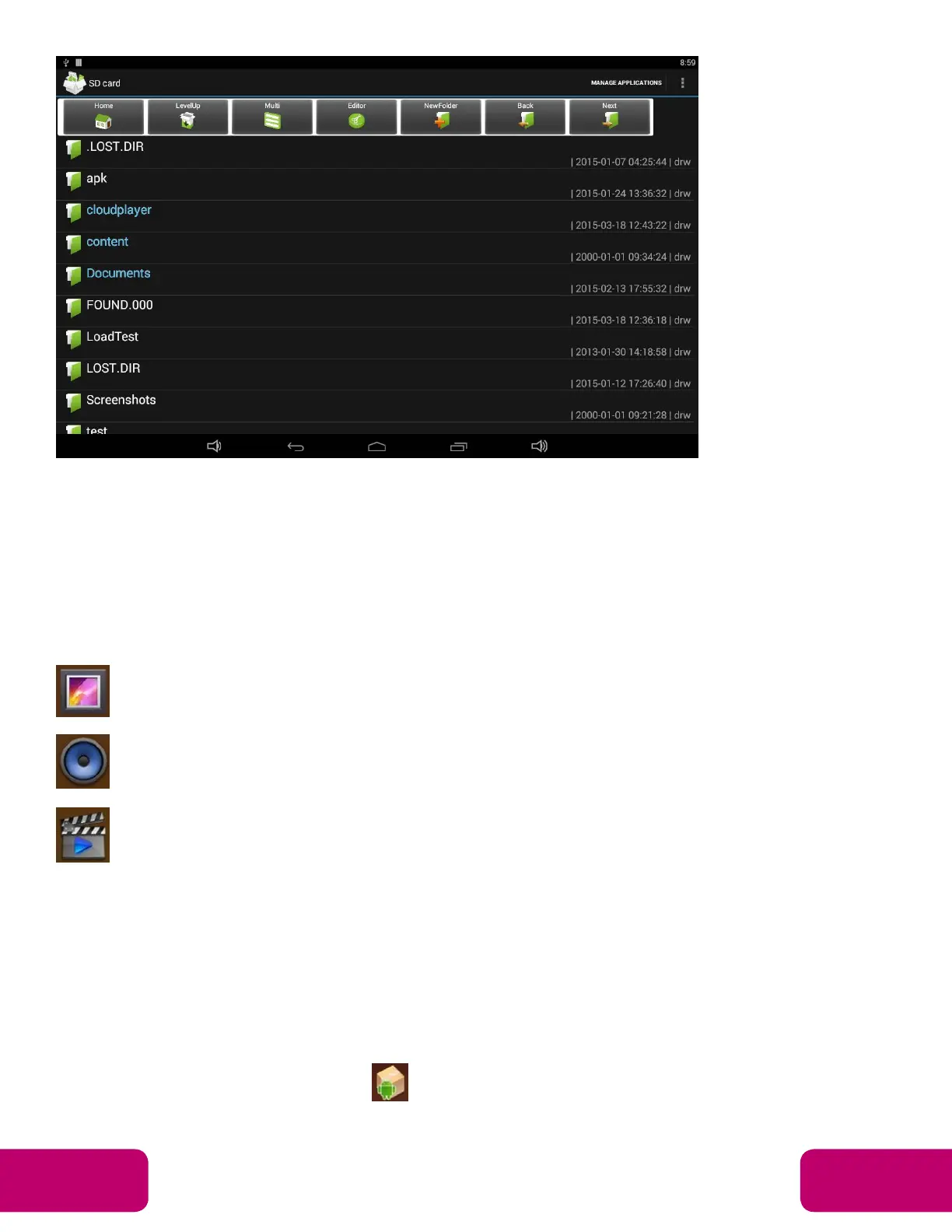
Click “Editor” in the menu to operate the selected files/folders.
Play Media
With the provided apps, you can view/play your media files on your storage,
such as pictures, music and videos.
Picture Player:
Support JPG, BMP, GIF.
Music Player:
Support MP2, WMA, WAV, AAC, OGG, ASF.
Video Player:
Support
MKV, TS, FLV, AVI, VOB, MPG, DAT, ASF, RM, MOV, 3GP,
MP4, WMV.
Install & Uninstall Apps
Install Apps
Before installing an app, please download the app (.apk) via the browser, or
copy a downloaded app to the device from your computer.
Then you can open “ApkInstaller” in the App list to install the
downloaded app.


 To Next Page