System Introduction
1-9
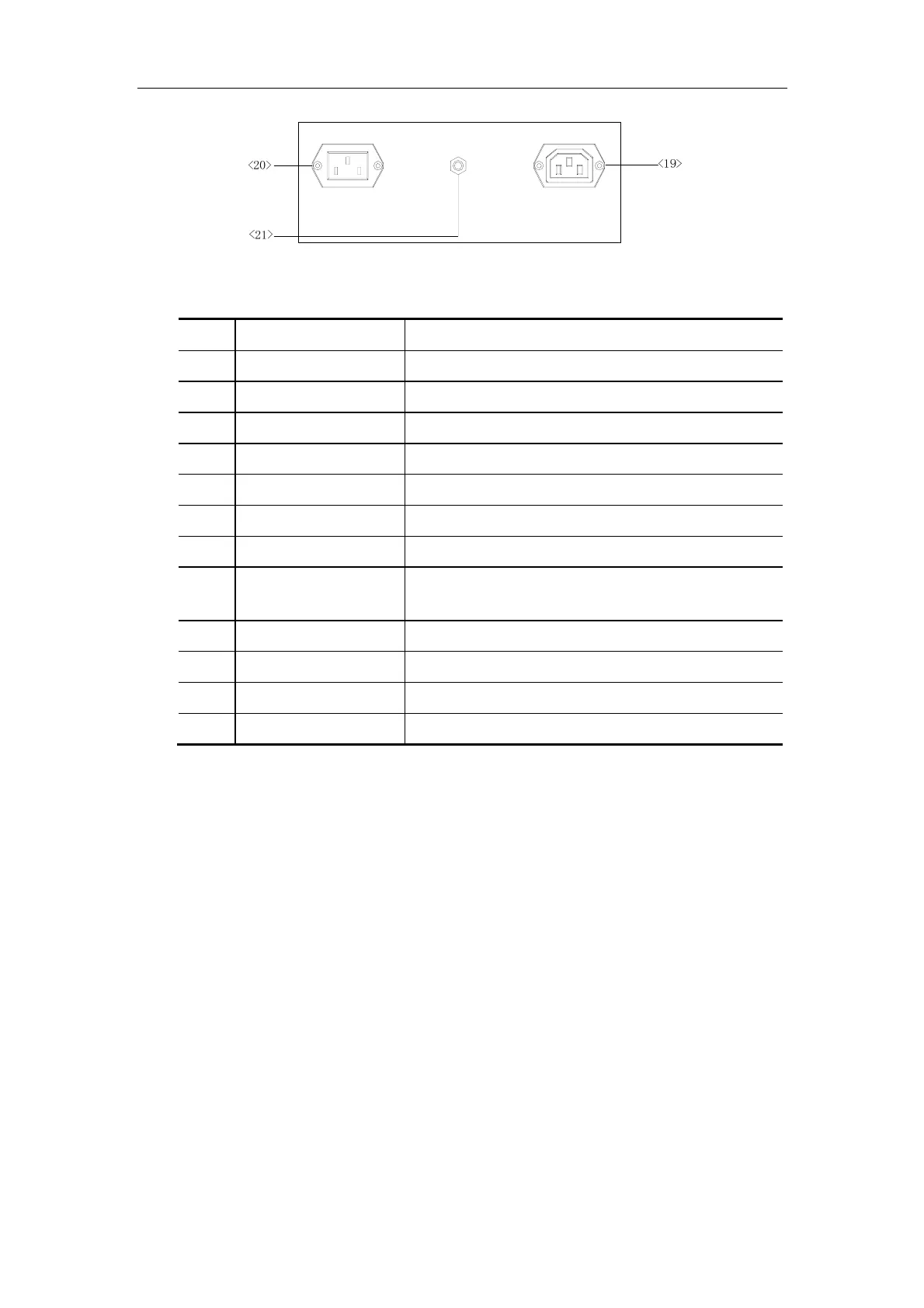
Power Panel
No. Name Introduction
<10> VGA port VGA output
<11> S-Video port Video output
<12> Video output Connects a video printer
<13> Video output Connects a video printer
<14> Remote Connects the remote cable for the video printer
<15> Graph/text printer port Connects the parallel port of the Graph/text printer
<16> RS-232 port Reserved
<17> USB port Connects the USB storage device or graph/text
printer, etc.
<18> Ethernet port Connects network
<19> AC out Connects the power cable of video printer
<20> AC input Connects power cable for the system
<21> Equipotential terminal Equipotential connecting



 To Next Page