- 4 -
MINGDA TECHNOLOGY CO.,LTD
www.md-3d.com
item. We recommend to use your fingernails and do not press hard on the screen.
1. Set down the Hot bed: choose "Z" axis , then click move
button , fell the hot bed to a suitable height.
2. Take the model: Shovel the model down with the scraper knife
gently.
Note: If it is not easy to remove the model, click on the hot bed
icon , enter 80, click OK, after two minutes, the hot bed will
automatically heat up to 80 °C and then gently shovel down.
Paste the Masking Tape
Remove the damaged tape and attach a new tape. Be careful not to overlap and overlap too much (if the tape
is not damaged, it can be reused)
Install the filament (Take PLA filament as an example )
1. Hung filament on the shelf, and insert the filament through the filament sensor.
2. Press the tab on the extruder and insert the filament into the extruder feed port.
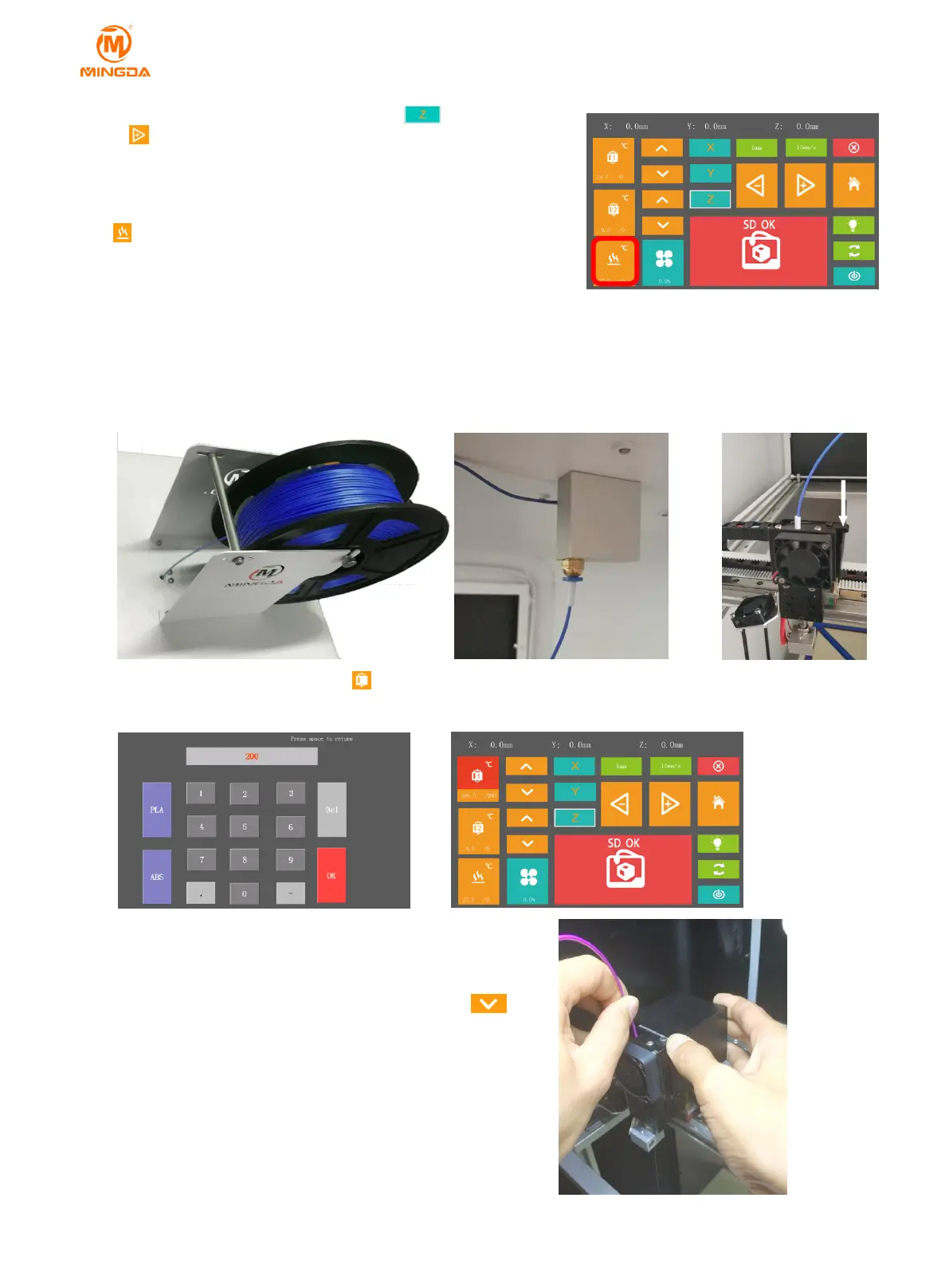
3.Click the printing head button , click "PLA", default input 200, that it turns red means beginning
heating ,and the head temperature will automatically rise to 200°C
4. When the temperature rises to 200°C, press shrapnel and
push the filament into the extruder, if the filament is melted and
flow out from nozzle, that means the filament is installed
successfully(As shown in figure b). you can also click on
the screen to feed the filament.



 To Next Page