The miniDSP Device Console
The miniDSPFlexEight is not yet supported by miniDSPDeviceConsole. Please subscribe to our newsletter
(https://www.minidsp.com/aboutus/newsletter) for updates.
The miniDSPDeviceConsole ("DC") is the new conguration and control software for miniDSP audio processors. It
replaces the earlier "plugin" control software. In contrast to the earlier software, DeviceConsole provides:
A single software program to control all miniDSP processors
Over-the-air (OTA) self-updates
Detection and installation of rmware upgrades for your processor
Purchase and activation of Dirac Live upgrades (where applicable)
Finding connected devices
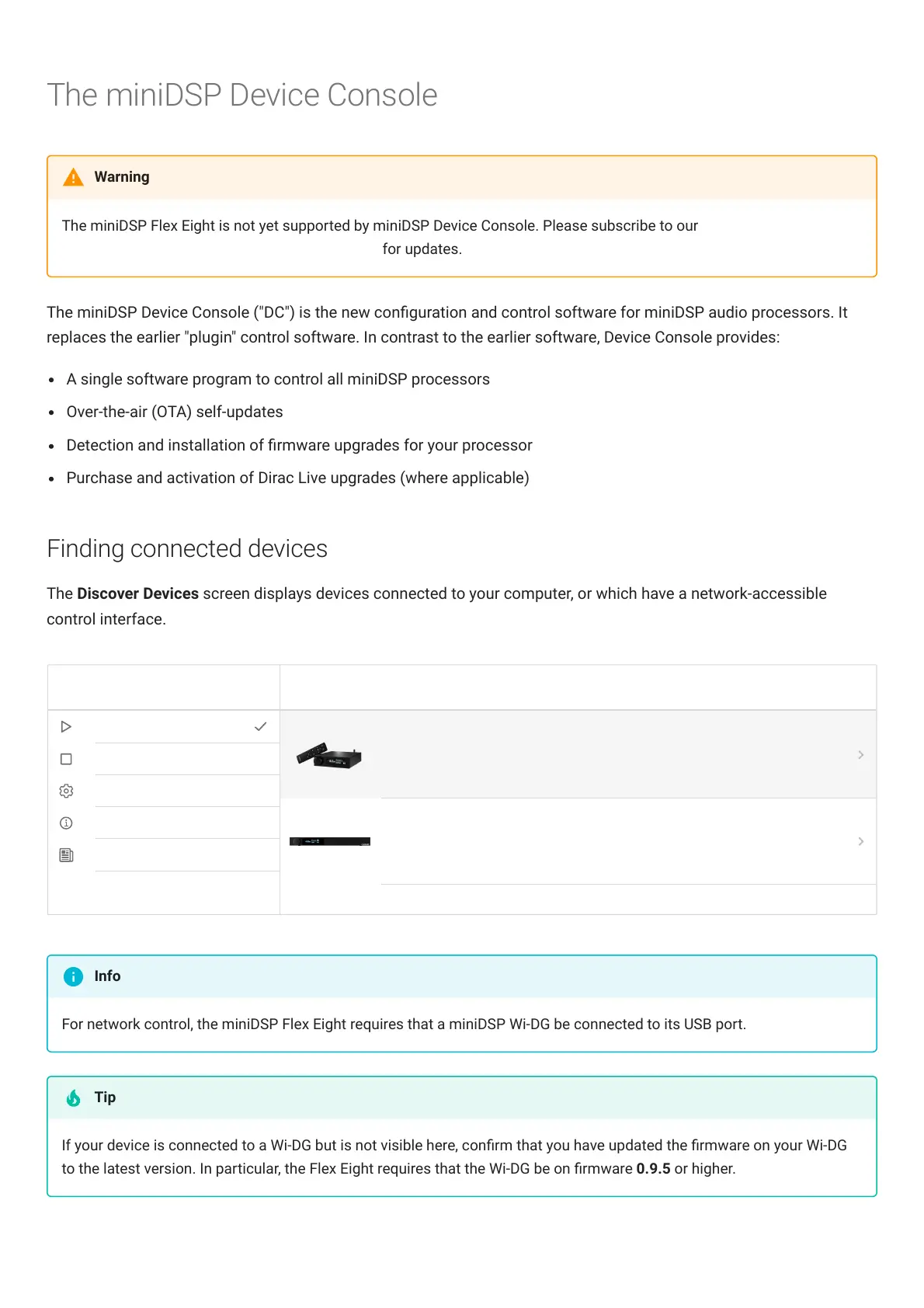
The Discover Devices screen displays devices connected to your computer, or which have a network-accessible
control interface.
For network control, the miniDSPFlexEight requires that a miniDSP Wi-DG be connected to its USB port.
If your device is connected to a Wi-DG but is not visible here, conrm that you have updated the rmware on your Wi-DG
to the latest version. In particular, the FlexEight requires that the Wi-DG be on rmware 0.9.5 or higher.
Warning
Info
Tip



 To Next Page