Print or save - miniDSP Flex Eight
https://docs.minidsp.com/product-manuals/flex-eight/print_page.html
To select the input source, drop down the selector menu.
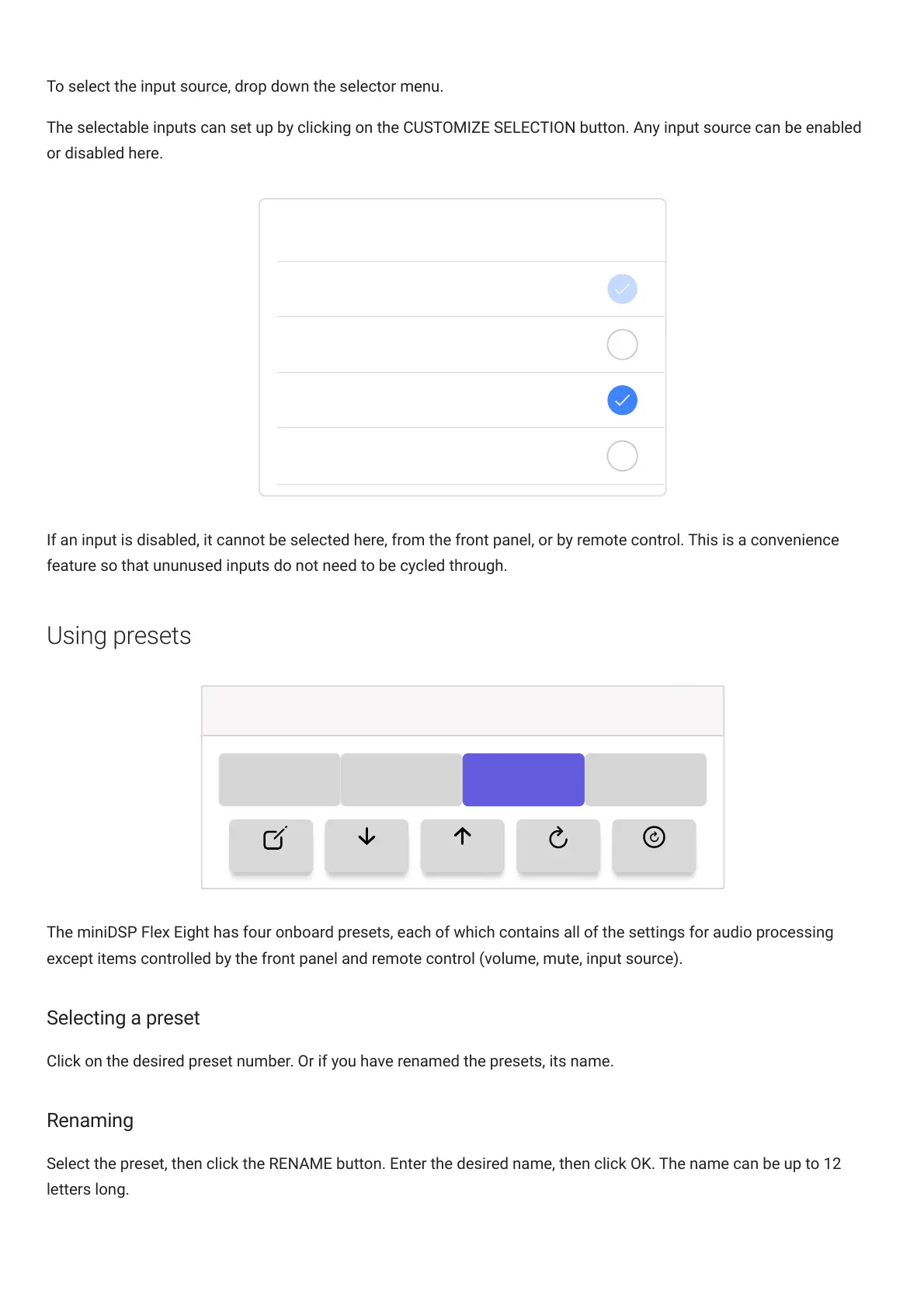
The selectable inputs can set up by clicking on the CUSTOMIZE SELECTION button. Any input source can be enabled
or disabled here.
TOSLINK
SPDIF
USB
Bluetooth
Please choose selectable Audio Source
If an input is disabled, it cannot be selected here, from the front panel, or by remote control. This is a convenience
feature so that ununused inputs do not need to be cycled through.
Using presets
Presets / Configurations
1 2
3 4
RENAME IMPORT EXPORT RESET RESET-ALL
The miniDSPFlexEight has four onboard presets, each of which contains all of the settings for audio processing
except items controlled by the front panel and remote control (volume, mute, input source).
Selecting a preset
Click on the desired preset number. Or if you have renamed the presets, its name.
Renaming
Select the preset, then click the RENAME button. Enter the desired name, then click OK. The name can be up to 12
letters long.



 To Next Page