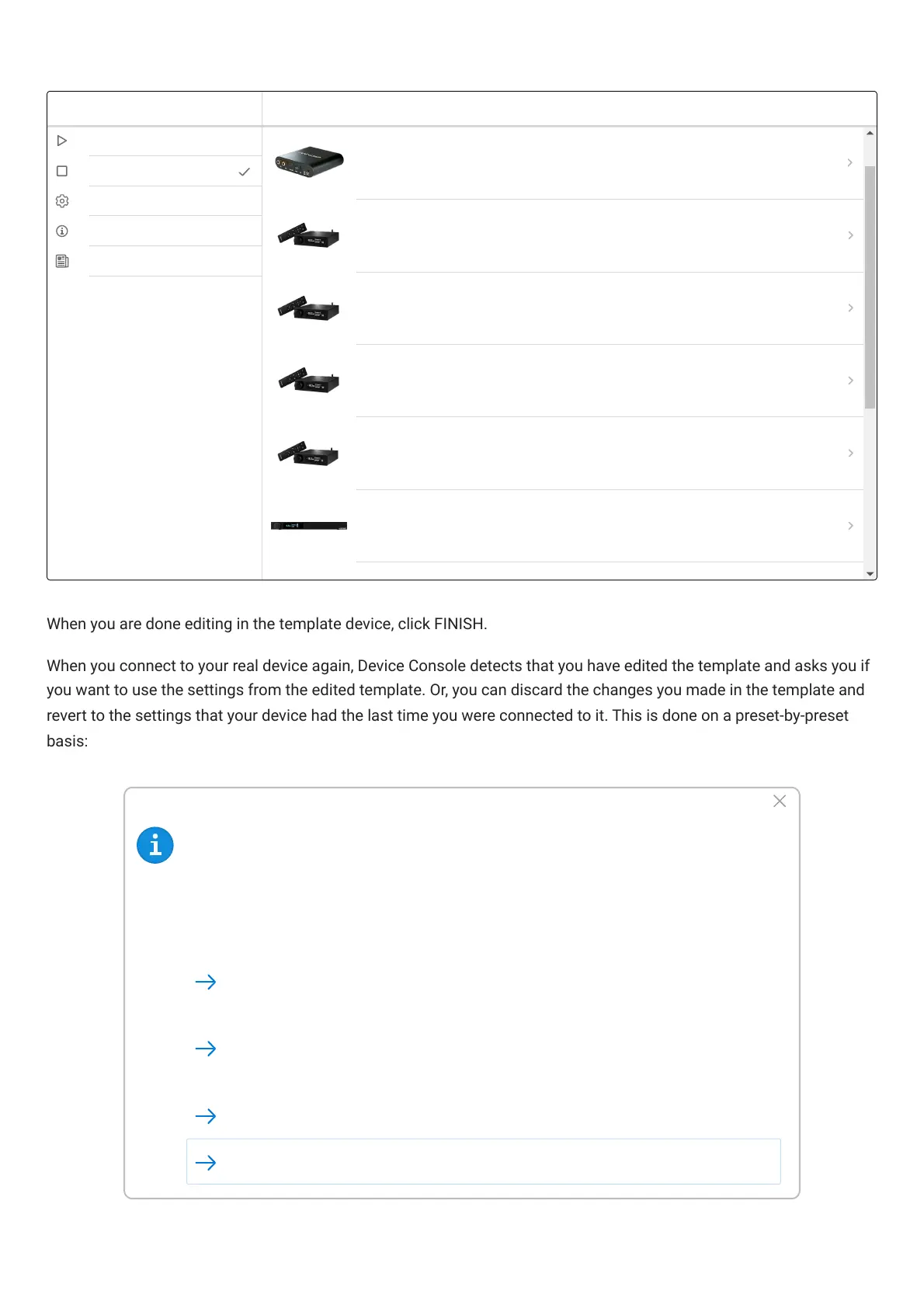
When you are done editing in the template device, click FINISH.
When you connect to your real device again, DeviceConsole detects that you have edited the template and asks you if
you want to use the settings from the edited template. Or, you can discard the changes you made in the template and
revert to the settings that your device had the last time you were connected to it. This is done on a preset-by-preset
basis:
Settings have changed
Different settings have been found for Flex Eight. Would you like to:
Possible reasons:
* The settings for Preset-1 in the template device has been changed since last time this
Flex Eight was connected.
Apply the changes from Preset-1 in the template to the Flex Eight
Continue and use current setting.
(Last Modified: 8/29/2022, 3:46:22 PM)
(Last Modified: 8/29/2022, 1:22:17 PM)
Initialize to default Settings
Disconnect



 To Next Page