Print or save - miniDSP Flex Eight
https://docs.minidsp.com/product-manuals/flex-eight/print_page.html
Output 1
INVERT
INVERT
0 DB
INPUT 1
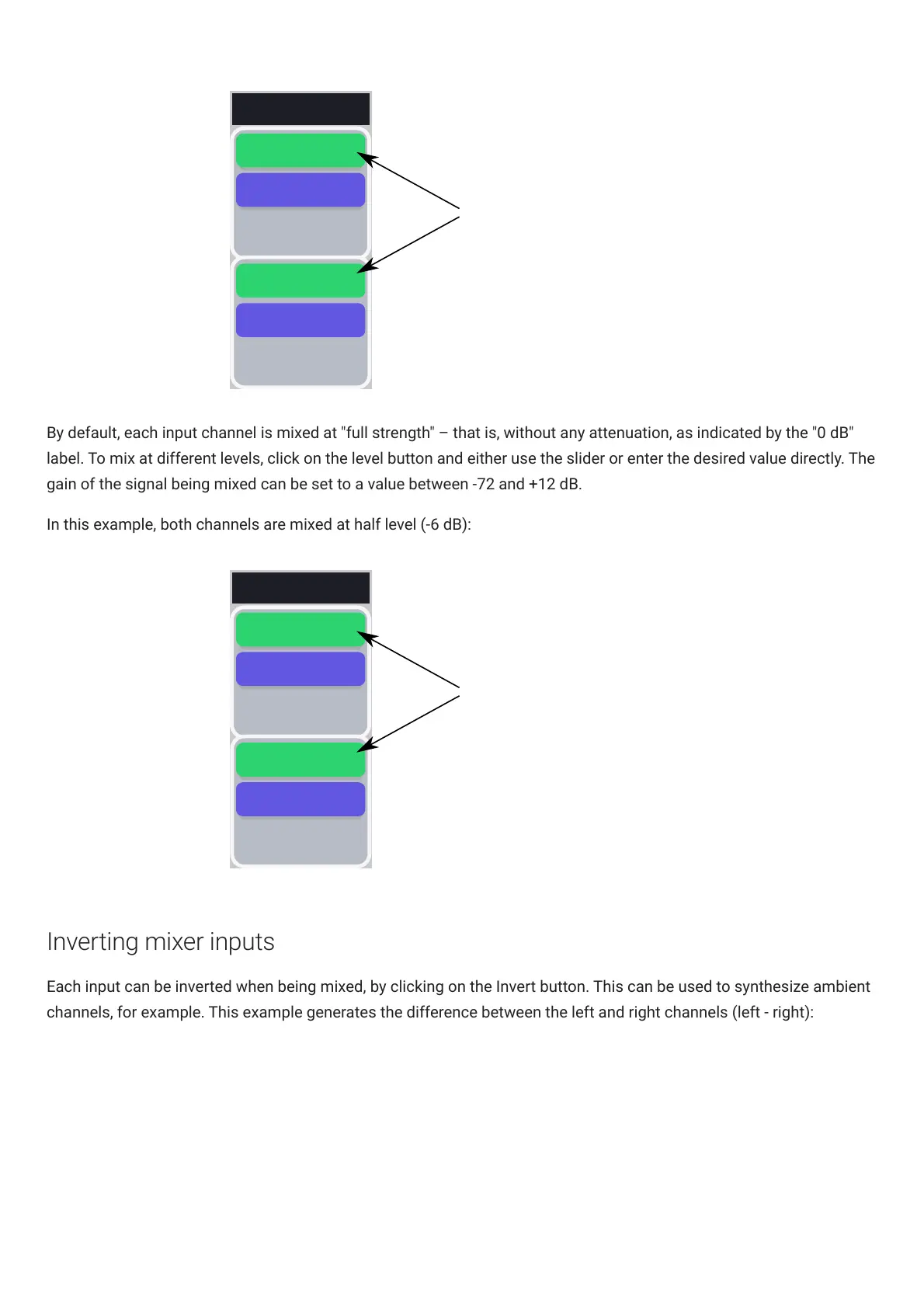
Input channels 1 and 2 are
mixed to output channel 1
at 0 dB (no attenuation)
INPUT 2
0 DB
By default, each input channel is mixed at "full strength" – that is, without any attenuation, as indicated by the "0 dB"
label. To mix at different levels, click on the level button and either use the slider or enter the desired value directly. The
gain of the signal being mixed can be set to a value between -72 and +12 dB.
In this example, both channels are mixed at half level (-6 dB):
Output 1
INVERT
INVERT
DB
INPUT 1
Input channels 1 and 2 are
mixed to output channel 1
at -6 dB dB
INPUT 2
-6 DB
-6
Inverting mixer inputs
Each input can be inverted when being mixed, by clicking on the Invert button. This can be used to synthesize ambient
channels, for example. This example generates the difference between the left and right channels (left - right):



 To Next Page