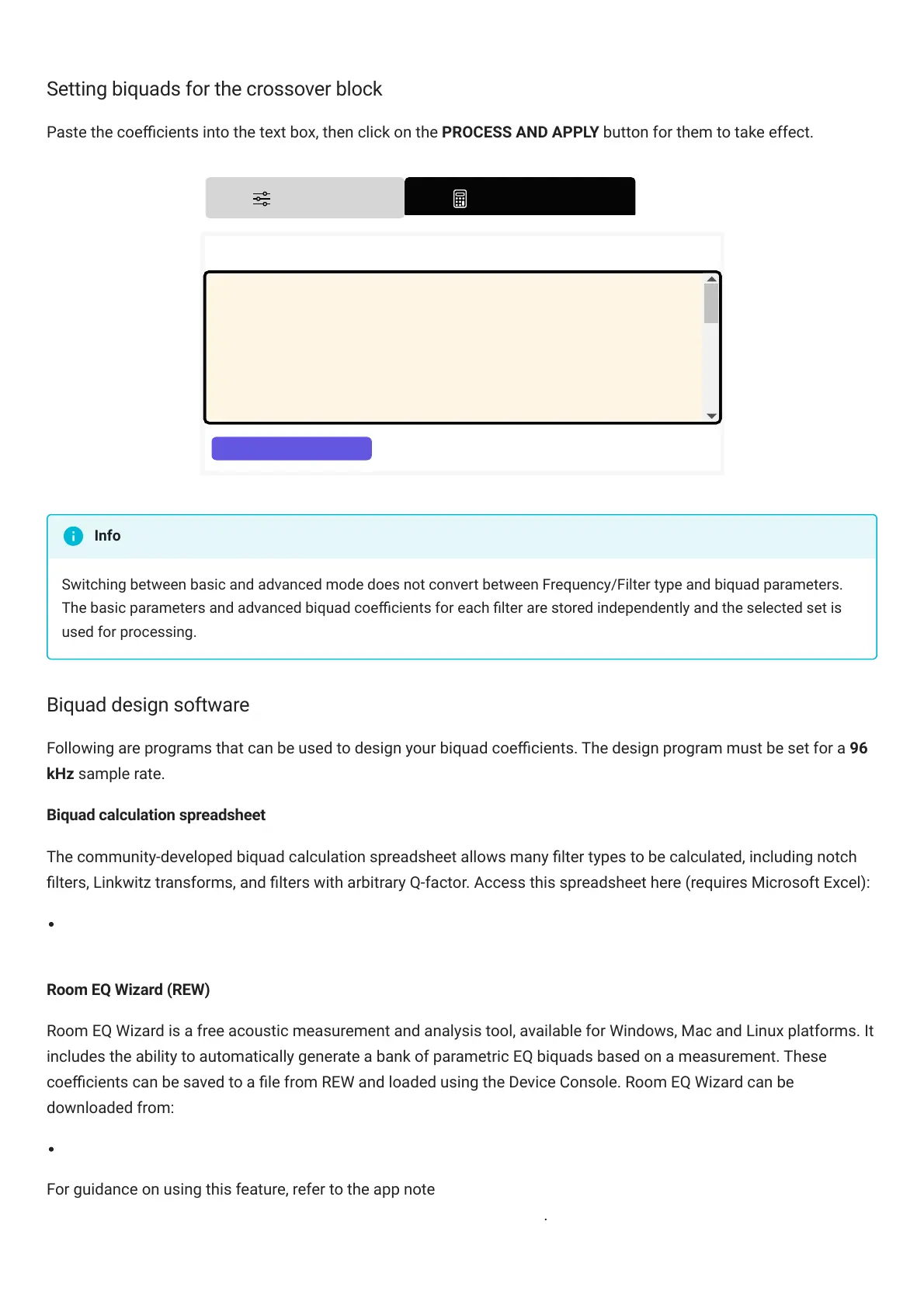
Setting biquads for the crossover block
Paste the coecients into the text box, then click on the PROCESS AND APPLY button for them to take effect.
Switching between basic and advanced mode does not convert between Frequency/Filter type and biquad parameters.
The basic parameters and advanced biquad coecients for each lter are stored independently and the selected set is
used for processing.
Biquad design software
Following are programs that can be used to design your biquad coecients. The design program must be set for a 96
kHz sample rate.
Biquad calculation spreadsheet
The community-developed biquad calculation spreadsheet allows many lter types to be calculated, including notch
lters, Linkwitz transforms, and lters with arbitrary Q-factor. Access this spreadsheet here (requires Microsoft Excel):
Download zipped spreadsheet from miniDSP.com
(https://www.minidsp.com/images/fbles/les/All_digital_coefs_v1-20101026.zip)
Room EQ Wizard (REW)
Room EQ Wizard is a free acoustic measurement and analysis tool, available for Windows, Mac and Linux platforms. It
includes the ability to automatically generate a bank of parametric EQ biquads based on a measurement. These
coecients can be saved to a le from REW and loaded using the DeviceConsole. Room EQ Wizard can be
downloaded from:
Room EQ Wizard downloads (https://www.roomeqwizard.com/#downloads)
For guidance on using this feature, refer to the app note Auto EQ with Room EQ Wizard
(https://www.minidsp.com/applications/rew/rew-autoeq-step-by-step) .
Info



 To Next Page