MBE059F03
10 / 32
9. Set Pulse/Rev Input from Conveyer
Get the real belt speed (M/min), please enter the pulse / rev input from
conveyer according to each machine.
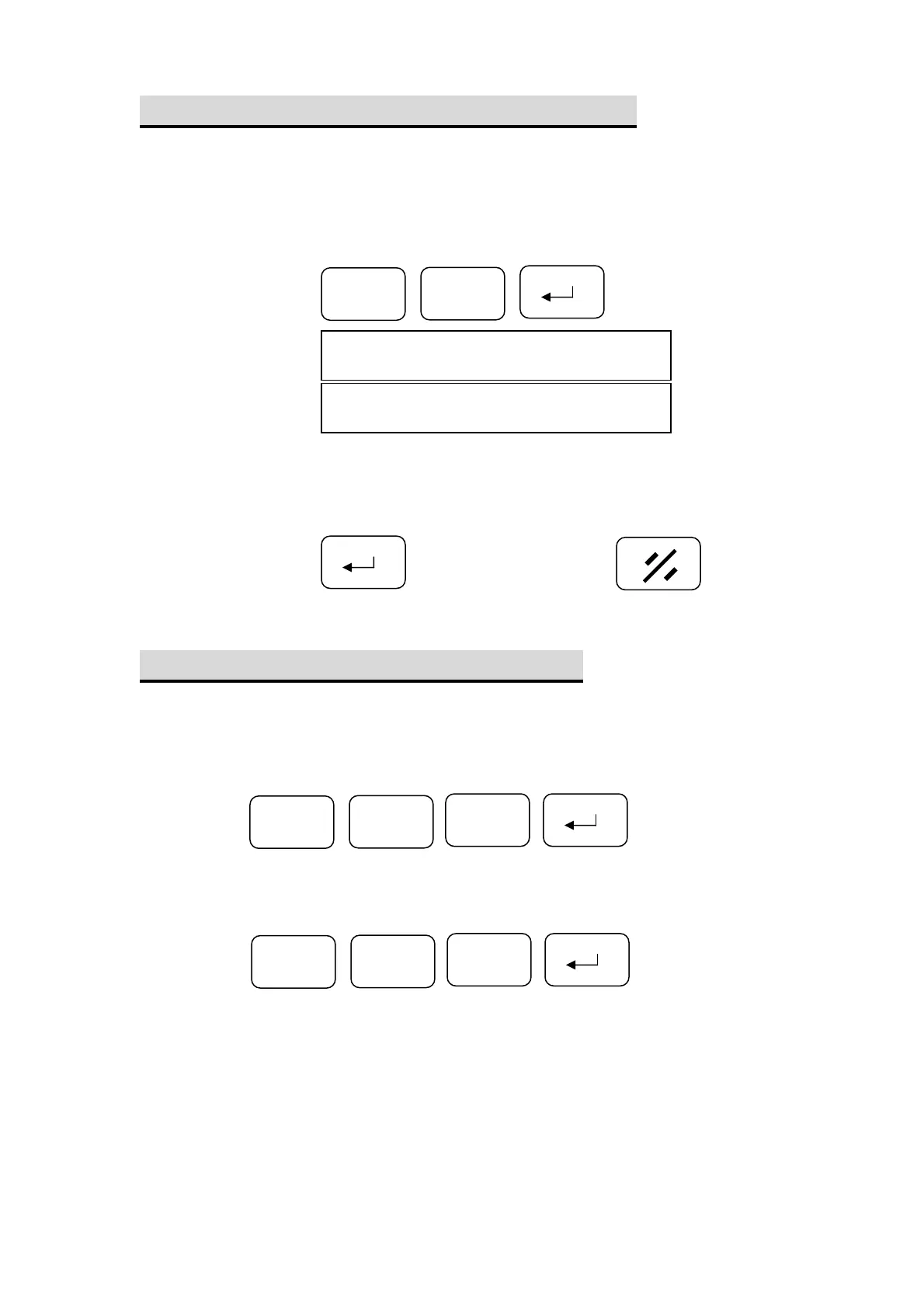
To set the PPR of conveyer.
8
F
Step 1: Press
PPr
Display
………【default】
04.00
Step 2: Enter the value (PPR) to the real value window.
Step 3: Press to confirm or press to clear.
10. Set software Limit (Hi/Lo End)
There are High and Low software limit
a. To set the Lo_End
Press
b. To set the High_End
F
1
0
1
1
F
Press


 To Next Page