MBE059F03
19 / 32
17.3. Example for Tool setting:
Tool# 1 =10mm; Tool# 2 = 20mm .
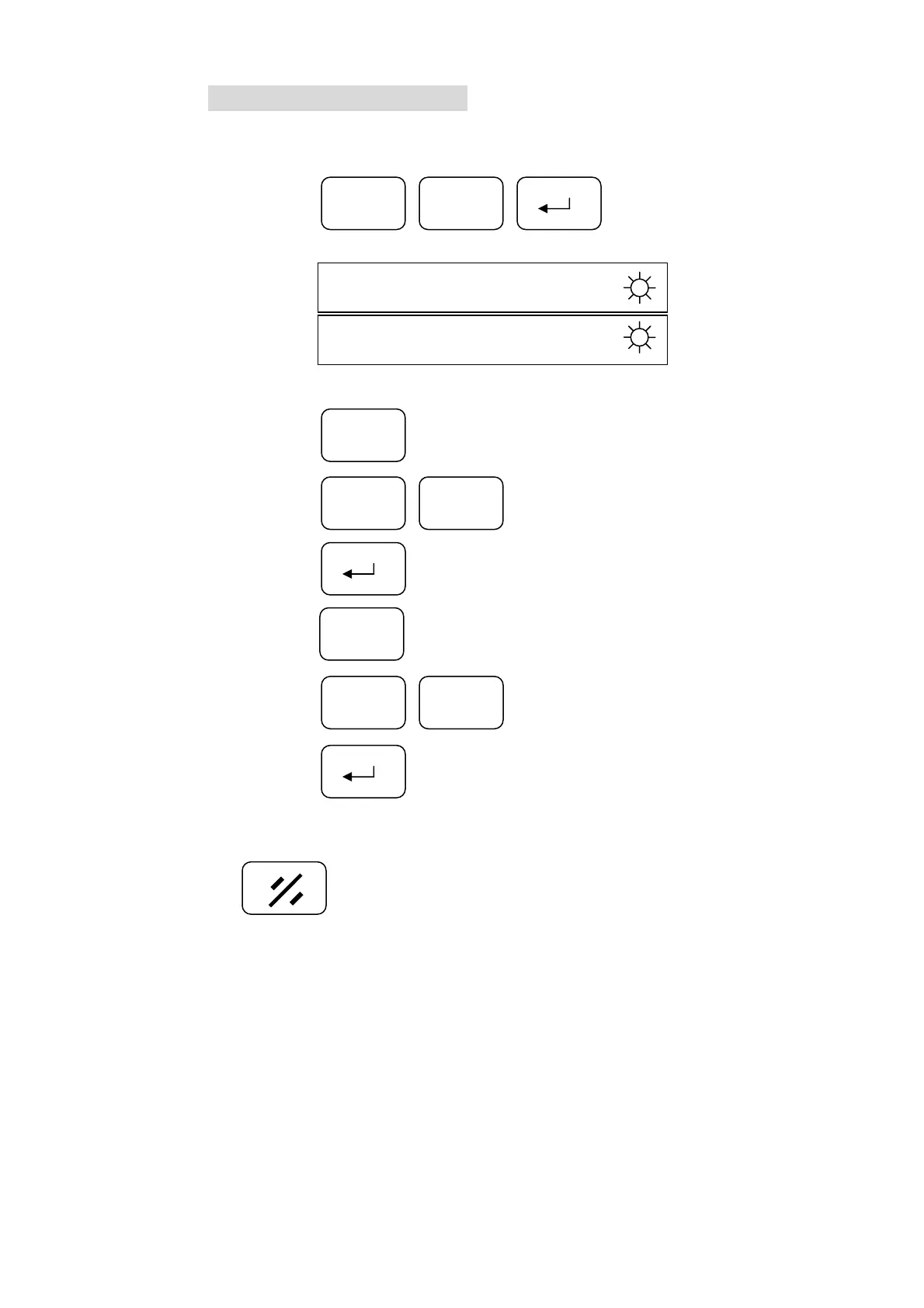
Step 1: Press
3F
Display
OFFS _
Step 2: Press ………………….…………【select the tool# 1】
1
Step 3: Press ..…….………..【input the tool radius】
01
Step 4: Press ………………………………………【complete】
Step 5: Press …………………….………【select the tool#: 2】
Step 6: Press ..…………….【enter the tool radius】
Step 7: Press ……………………………………….【complete】
2
2
0
※ You can follow the same procedure for other sets;
Press to clear.


 To Next Page