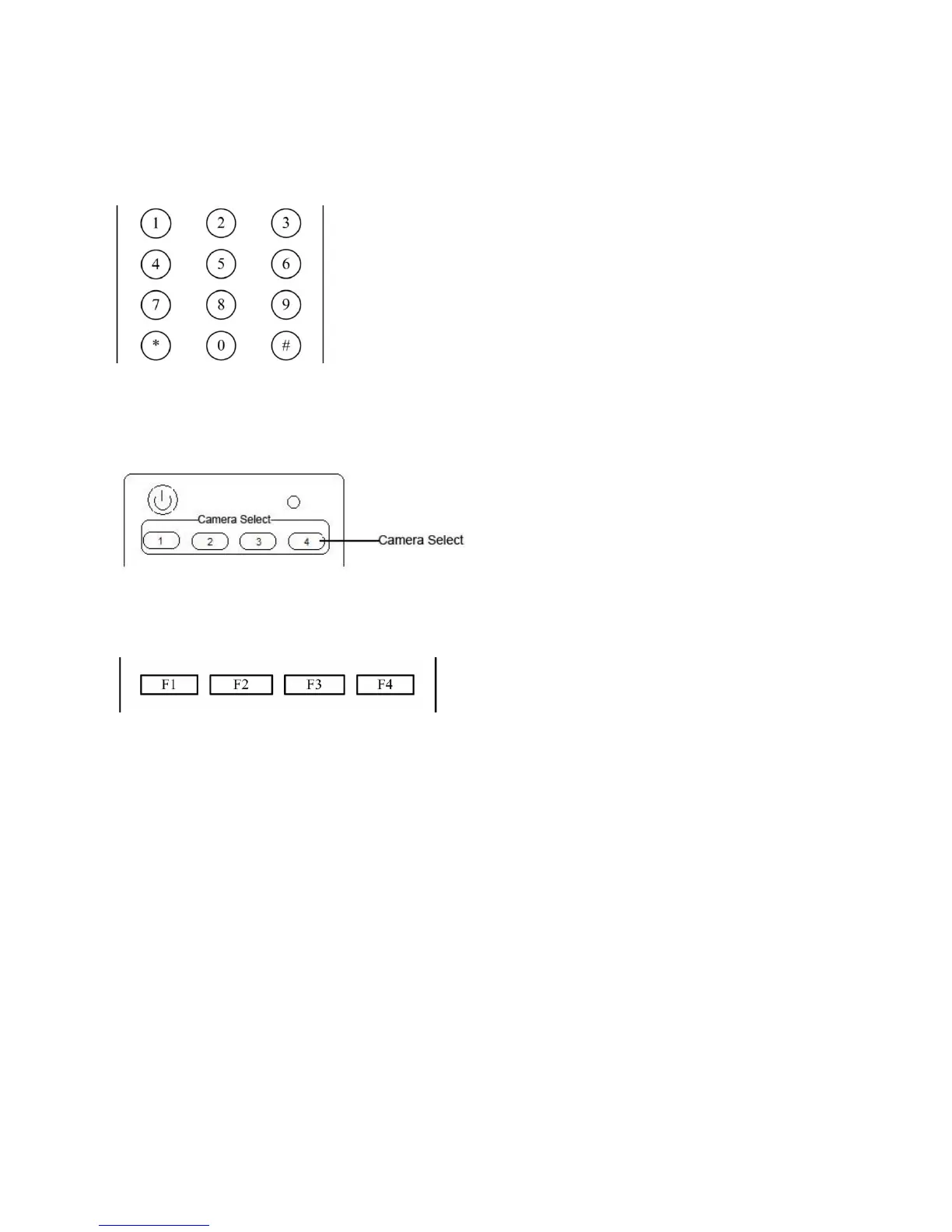
press the number key 0-9 to set a relative preset, 10 preset positions in total are available.
2、Preset clearing : to clear a preset position, the user can press the “【CLEAR PRESET】” key first and then
press the number key 0-9 to clear the relative preset;
Note : press the“【#】” key three times continually to cancel all the presets.
6、Preset Running
Press a number key 0-9 directly to run a relative preset.
Note: Action in vain if a relative preset position is not existed.
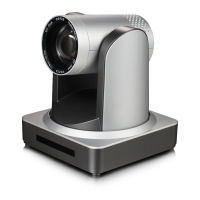
7、Camera Selection
Select the camera address to control.
8、Camera Remote Controller Address Setting
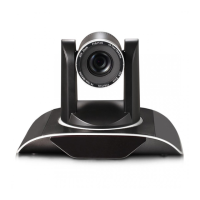
【*】+【#】+【F1】:Camera Address No.1
【*】+【#】+【F2】:Camera Address No. 2
【*】+【#】+【F3】:Camera Address No. 3
【*】+【#】+【F4】:Camera Address No. 4


 To Next Page