Voicemail
When voicemail functionality is enabled, the MWI LED on the Mitel
MiVoice 6940 flashes red and the (Voicemail) icon displays on the
status bar indicating that voicemail messages are available. You can
access your voicemail service by pressing the Voicemail key.
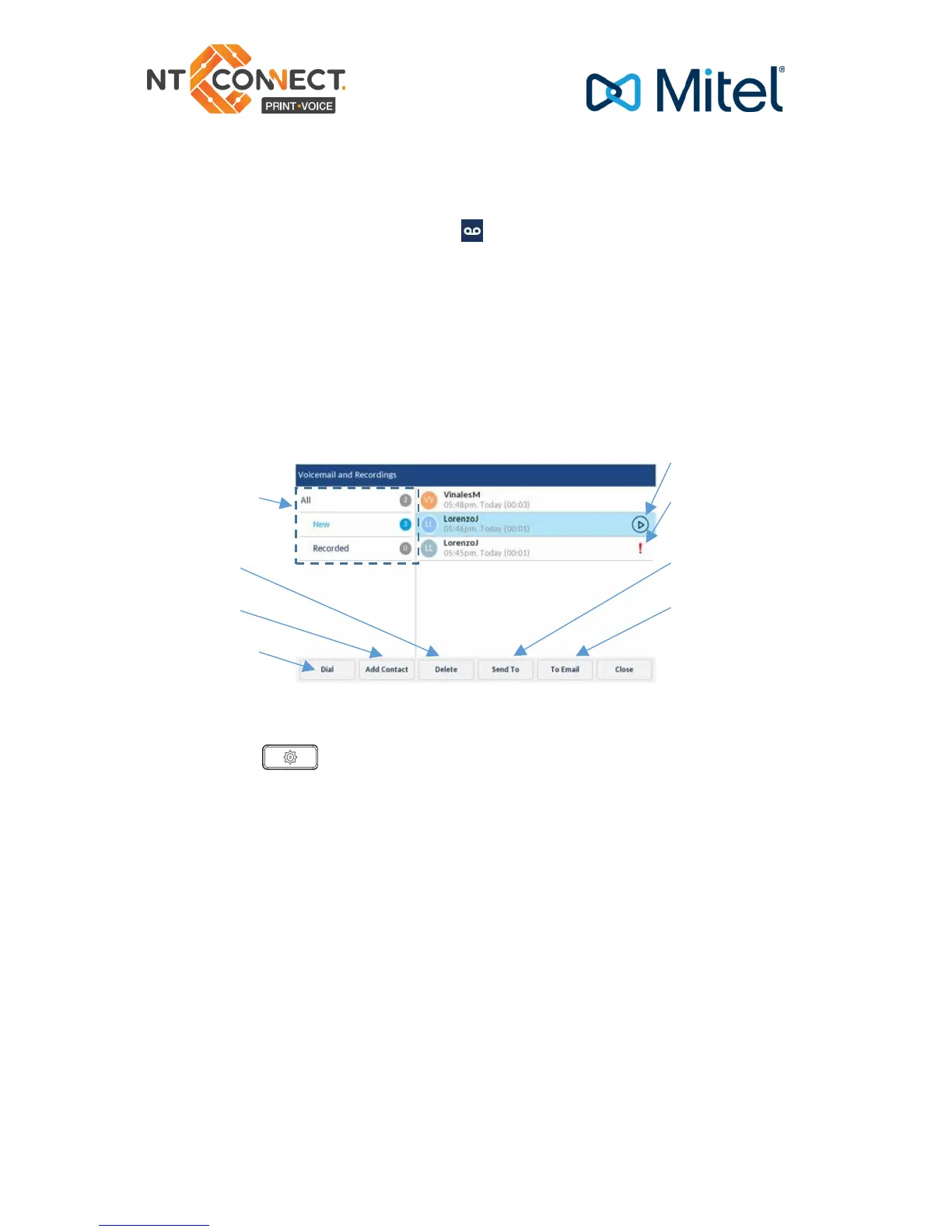
Visual voicemail
Visual voicemail enables access to voicemail system and displays a
count of all, new and recorded voicemail messages.
Note: Voicemail and visual voicemail functionality must be configured by your NT
Connect installer.
Enabling visual voicemail
1. Press the (Settings) key on the phone to access the Static
Settings menu.
2. Navigate to Voicemail using the left navigation key and then press
the Select softkey.
3. Press the Select softkey to select the key opens Voicemail App
checkbox.
4. Press the Save softkey.
Note: For security reasons, the password can be enabled only from the user login screen



 To Next Page