Advanced Call Handling
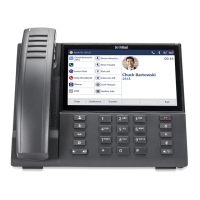
The Mitel MiVoice 6940 IP Phone provides a method for transferring
calls through the Transfer softkey.
Transferring calls
1. Ensure you are on active call with the party you wish to transfer.
2. Press the Transfer softkey. The call is placed on hold.
3. Enter the transfer recipient’s number and press the Transfer softkey.
Creating a multi-party conference call
1. Ensure you are on active call with one of the parties with whom you
wish to create a conference.
2. Press the Add User softkey. The active call is placed on hold.
3. Enter the conference target’s number.
4. Wait for an answer, consult, and then press the Join Calls softkey to
create the three-way conference call.
5. Repeat steps 2 to 4 to add an additional party (maximum of seven
participants) to the conference.



 To Next Page