Mitel MiVoice 6930 IP Phone User Guide
Performing a search
Search functionality is applied to your
Personal
and
Mobile
contact folders and your
Corporate
contact folder if your corporate directory is configured to be cached.
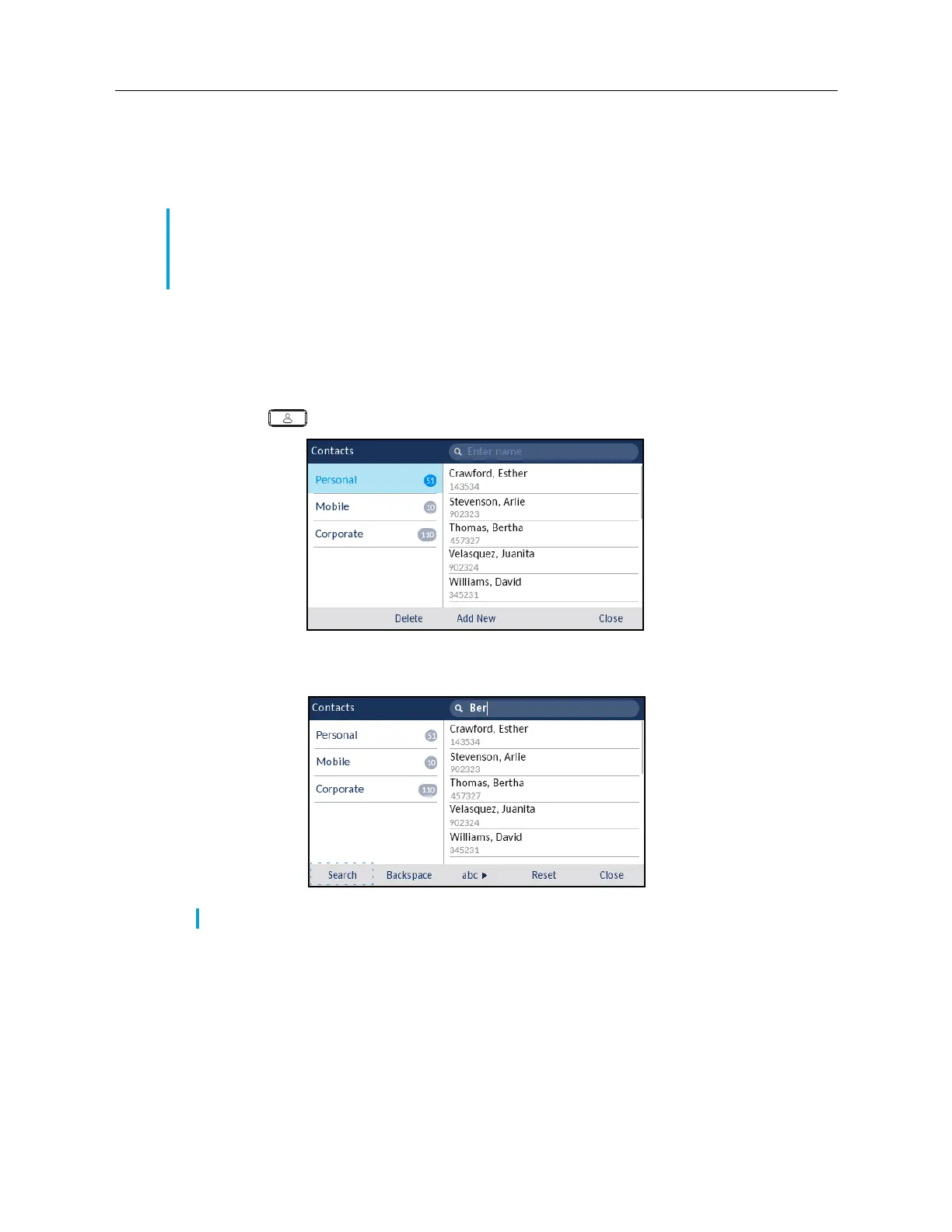
Pressing on any dialpad key initiates the search. After entering the first few letters of the contact’s
first name or last name and initiating the search, you can then quickly select a contact and perform
the applicable action. Use the following procedure on the phone’s UI to perform a search.
To perform a search:
1.
Press the
(
Contacts
) key.
2.
Using the dialpad keys enter in the first letters of the contact’s name and (if required) press the
Search
softkey.
Note:
If you do not see a number indicating the amount of contacts beside your
Corporate
folder, your corporate directory is configured to be non-cached. See “Performing a search on
a non-cached Corporate contact folder” on page 77 if your phone is configured to use a
non-cached corporate directory.
Note:
Press the
Reset
softkey at any time clear the search field.














 To Next Page