3.
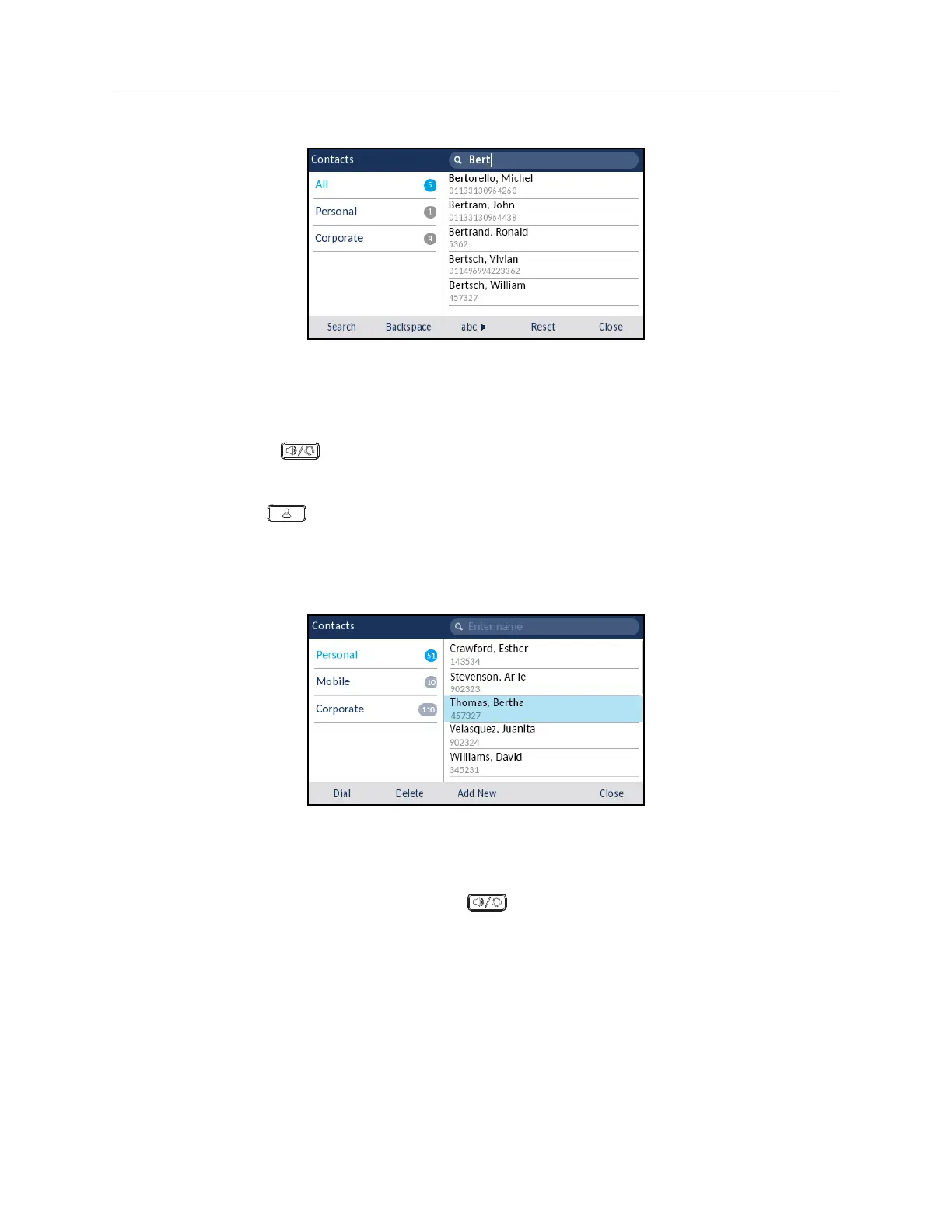
When matches are found, navigate to the contact entry and perform your desired action.
Dialing from the Contacts application
Dialing can be performed by manually navigating to the contact, selecting a phone number (if the
contact has more than one) and then by picking up the handset, or by pressing the
Dial
softkey,
Select
button or (
Speaker/Headset
) key.
To dial a contact’s phone number.
1.
Press the
(
Contacts
) key.
2.
(Optional) Using the dialpad keys input the first letters of the contact’s name to initialize the
search function.
3.
Use the navigation keys to highlight the contact you want to call.
4.
(Optional) If the contact has multiple phone numbers defined, press the right navigation key to
navigate to the contact card and use the up and down navigation keys to select the phone
number you wish to call.
5.
Press the
Dial
softkey,
Select
button or (
Speaker/Headset
) key for speaker or headset
operation
or
Pickup the handset for handset operation.














 To Next Page