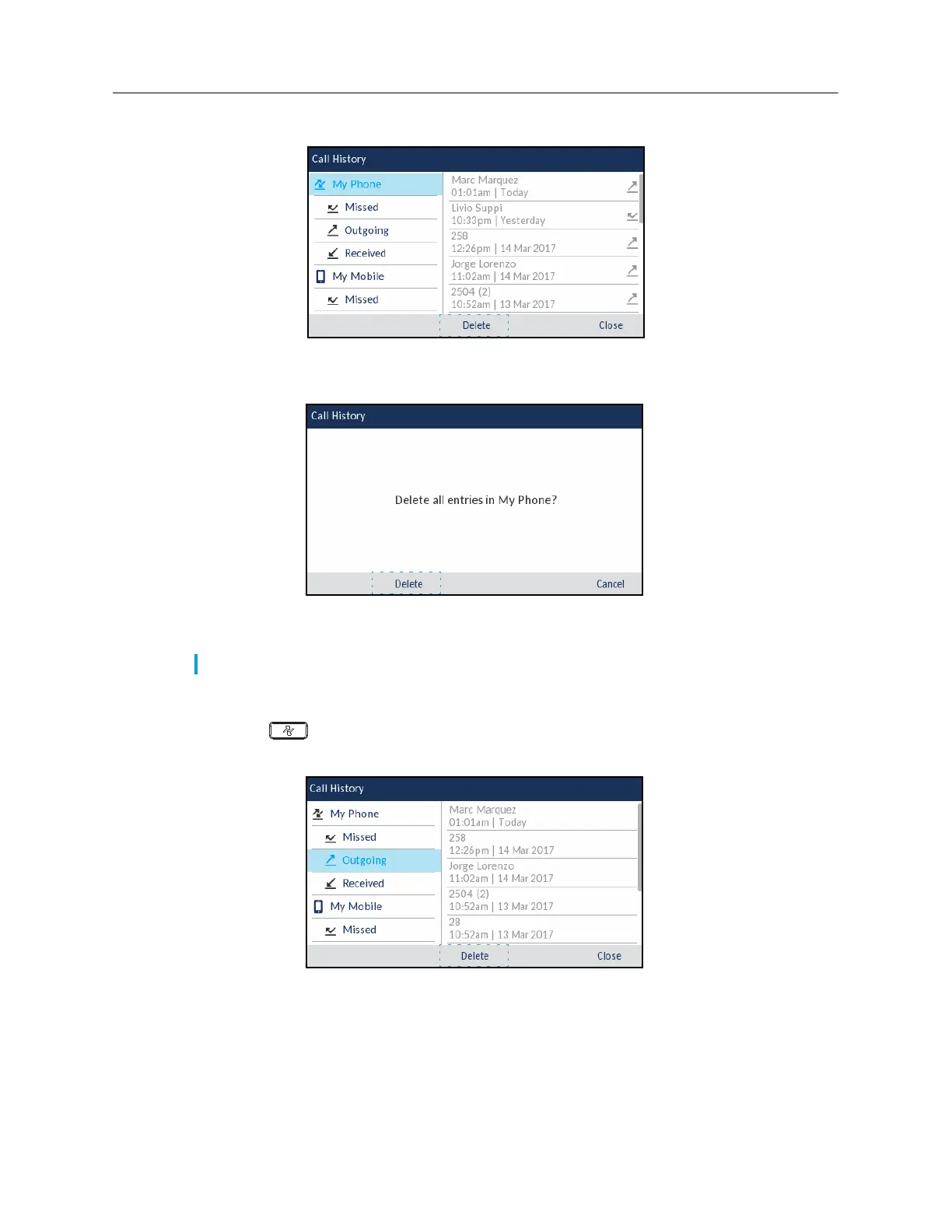
2.
Use the navigation keys to highlight the
My Phone
call type folder.
3.
Press the
Delete
softkey.
A delete all confirmation message appears on screen.
4.
Press the
Delete
softkey again to delete all entries in the
Call History
application.
To delete all entries from a call type folder:
1.
Press the
(
Call History
) key.
2.
Use the navigation keys to highlight the applicable
call type folder.
Note:
Press the
Cancel
softkey to cancel the delete process.














 To Next Page