Mitel MiVoice 6930 IP Phone User Guide
3.
Press the
Delete
softkey.
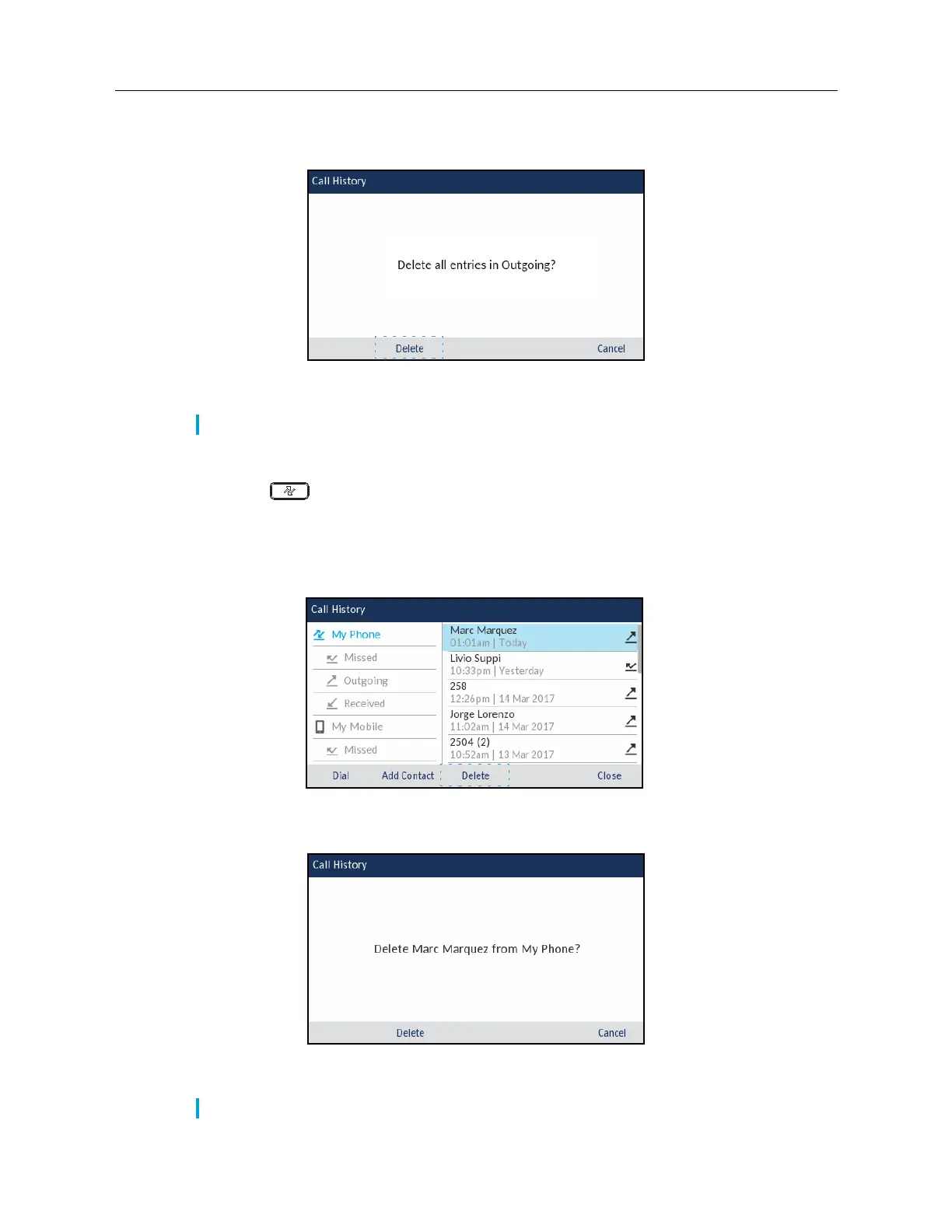
A delete all confirmation message appears on screen.
4.
Press the
Delete
softkey again to delete all entries in the selected call type folder.
To delete individual entries from a call type folder:
1.
Press the
(
Call History
) key.
2.
Use the navigation keys to highlight the applicable
call type folder.
3.
Press the right navigation key to move to the call entry column.
4.
Use up and down navigation keys to highlight the individual call entry.
5.
Press the
Delete
softkey.
A delete confirmation message appears on screen.
6.
Press the
Delete
softkey again to delete the individual call entry.
Note:
Press the
Cancel
softkey to cancel the delete process.
Note:
Press the
Cancel
softkey to cancel the delete process.














 To Next Page