Customizing the A/V Memory position (cont.)
access with the VIDEO button
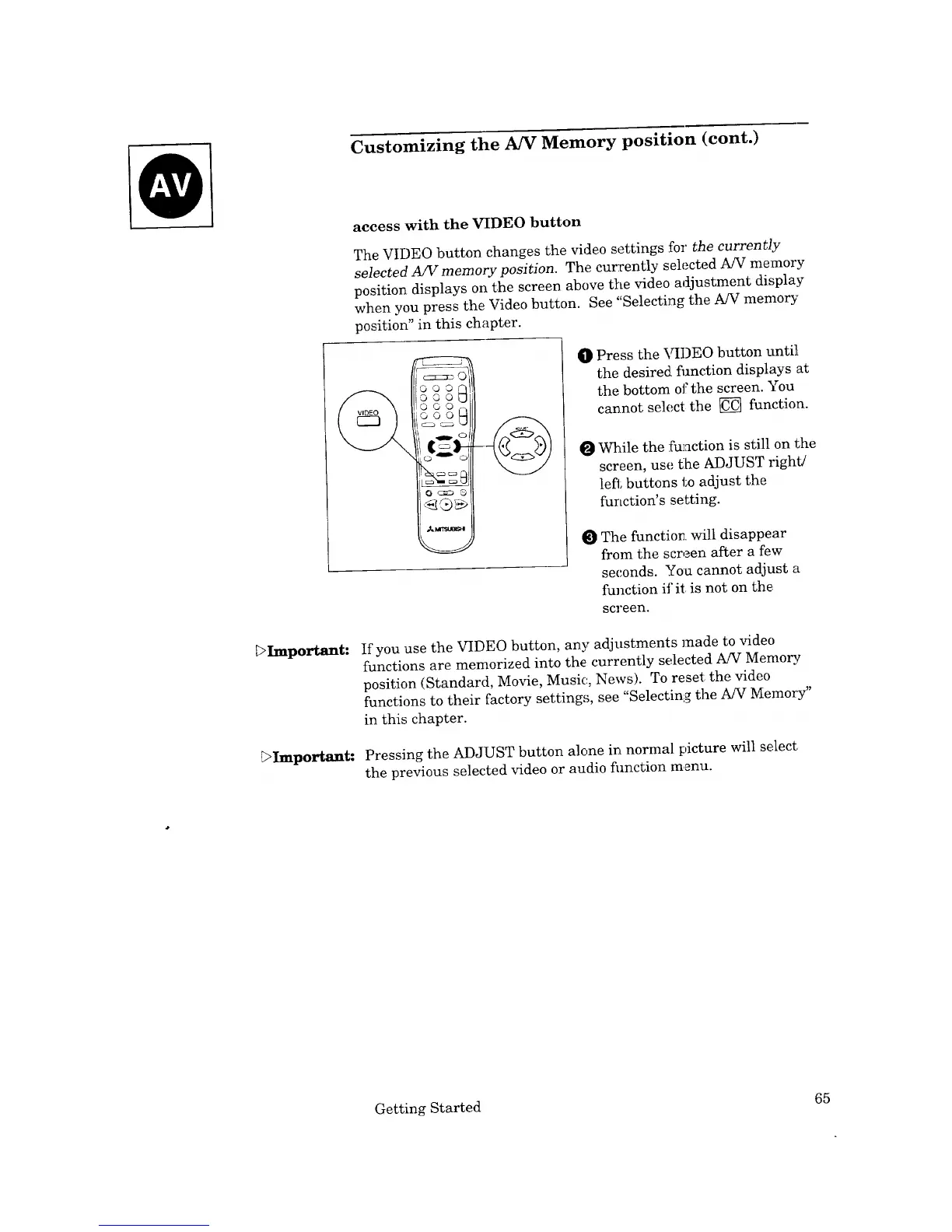
The VIDEO button changes the video settings for the currently
selected A/V memory position. The currently selected A/V memory
position displays on the screen above the video adjustment display
when you press the Video button. See "Selecting the A/V memory
position" in this chapter.
I1%==
O Press the VIDEO button until
the desired flmction displays at
the bottom ot:the screen. You
cannot select the _ function.
While the function is still on the
screen, use tlhe ADJUST right/
left buttons to adjust the
function's setting.
The function, will disappear
from the screen after a few
seconds. You cannot adjust a
function if it is not on the,
screen.
_>Important: If you use the VIDEO button, any adjustments made to vide()
functions are memorized into the currently selected A/V Memory.
position (Standard, Movie, Music, News). To reset the video
functions to their factory settings, see "Selecting the A/V Memory"
in this chapter.
E>Important: Pressing the ADJUST button alone in normal picture will select
the previous selected video or audio fimction menu.
Getting Started 65



 To Next Page