Description of the unit
12 Operating instructions
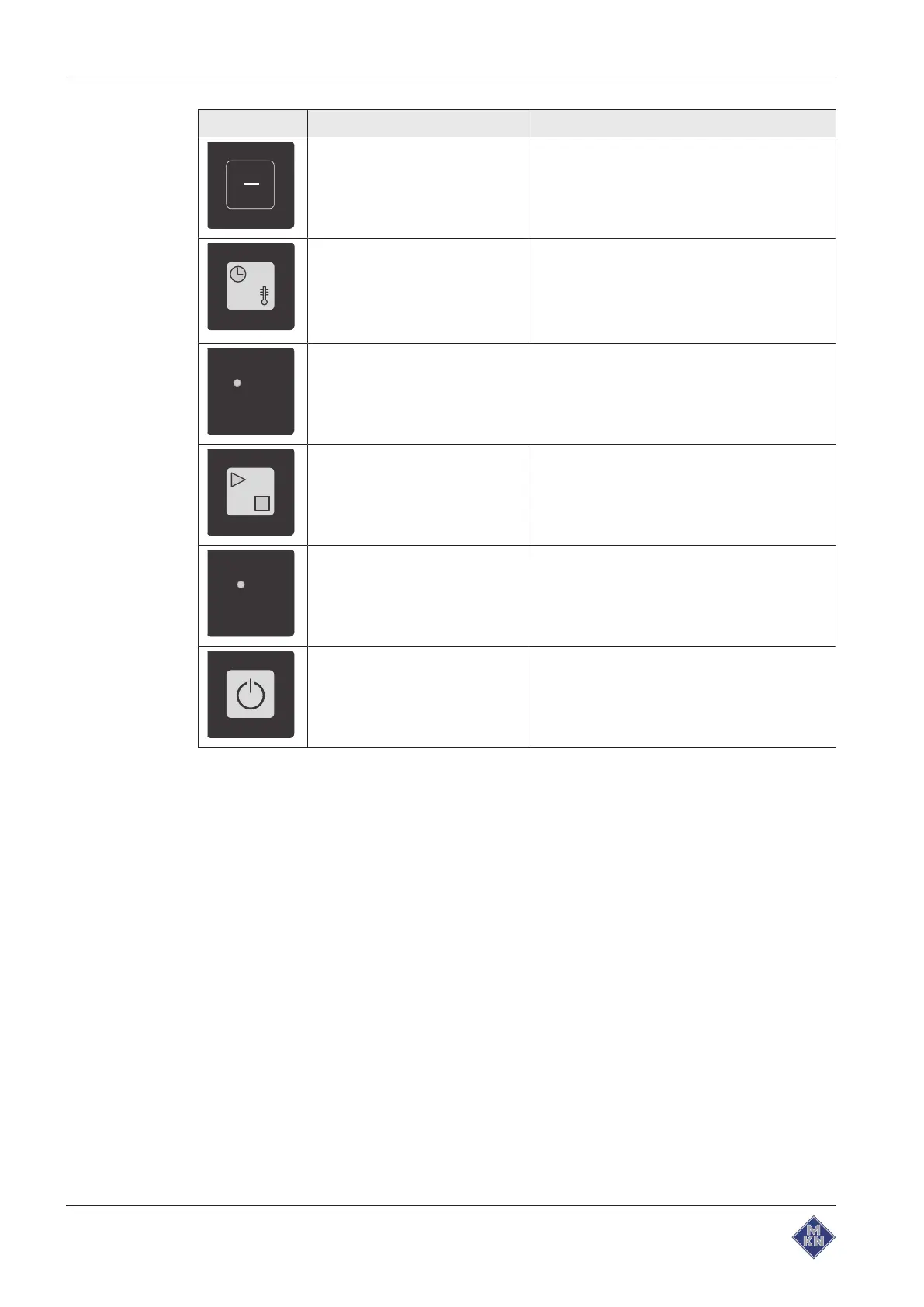
Symbol Operating/display element Function
"-" button Reduce cooking time and / or heating output
when keeping food warm
"Mode select" button During manual cooking: Select the cooking
function and the function for keeping food
warm
During programming: Switch between the
settings for cooking and keeping food warm
"Start Stop" indicator light Illuminates, if the cooking function, the
function for keeping food warm or a saved
program is started
"Start Stop" button Start or stop the cooking function, the function
for keeping food warm or a saved program
"On Off" indicator light Illuminates, if the unit is switched on
"On Off" button Switching on the unit
Switching off the unit
Unit in ready mode after switching off.
1001247120ABBE-C



 To Next Page