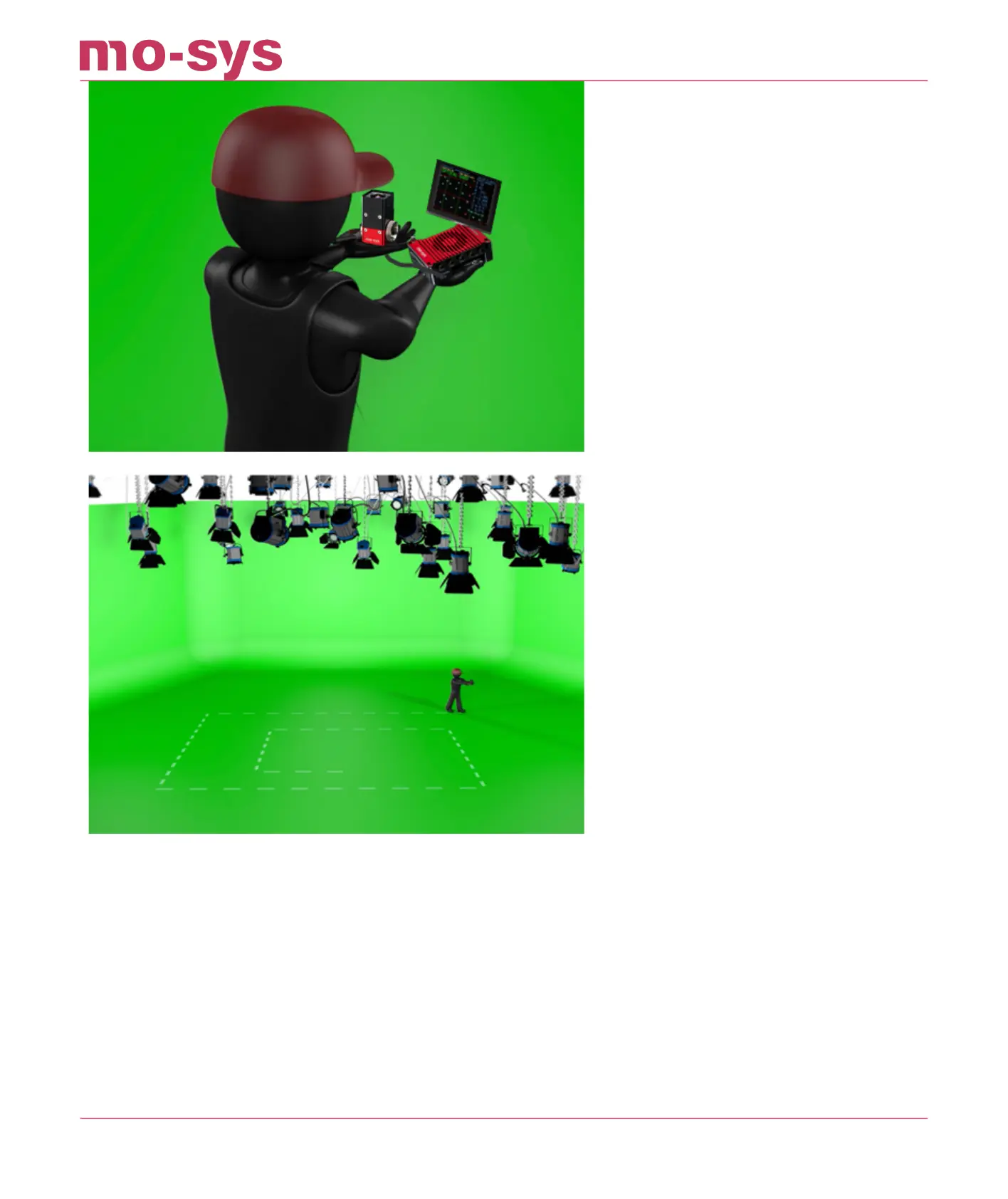
Status should report OPTICAL GOOD at the beginning of the mapping process and as more stars
are recorded tracking status will become a stable OPTICAL GOOD.
If status is reporting OPTICAL LOST, simply return to the last location where tracking was seen
as OPTICAL GOOD it may be the position where mapping was initialised.
StarTracker will nd itself again but if the unit does manage to get lost then a starpurge of less
successful points may assist by simply saving and reloading the map, by pressing S and Y and
then L and Y.
With many stars discovered and having covered the whole detection area the map is now ready
for use.
StarTracker Max Manual
2023 - 2024 © Mo-Sys Engineering Ltd. All rights reserved 23 of 70



 To Next Page