11. Camera Osets
11.1 Setting CCD Osets
Osets are applied to account for the dierence in position between the StarTracker sensor and
the CCD plane of the broadcast camera.
For clarity check Main → Pose Display to conrm, in the data output panel, what is being
displayed and check the Osets menu for existing osets.
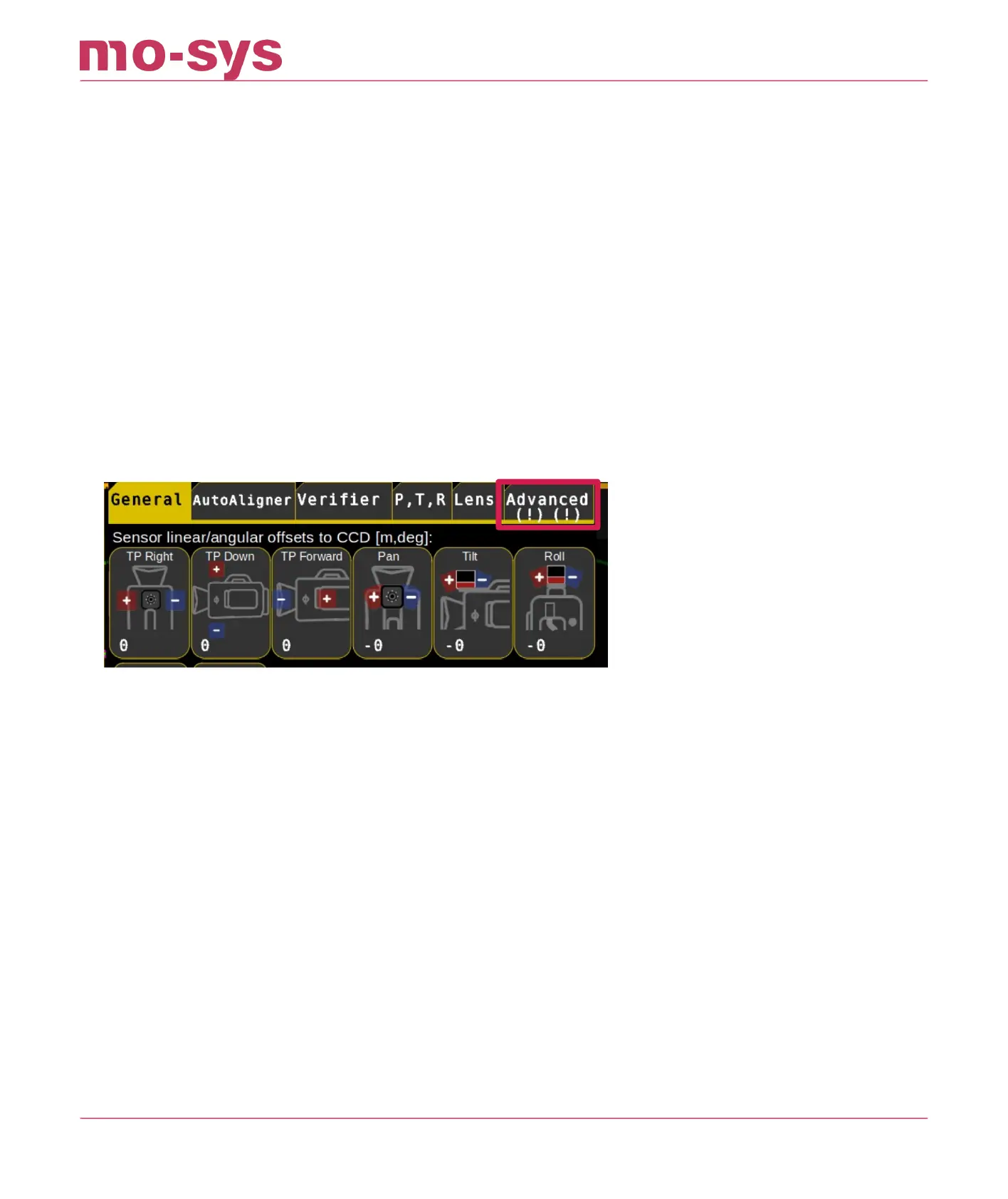
If no osets are present the Advanced button will be blank. If there are osets the button will
have exclamation marks. The left exclamation mark indicates that there are map osets, the
right exclamation mark indicates that there are Scaling osets. If that’s the case, click on
Advanced and change osets to 0 and Scale to 1.
Broadcast cameras usually have an indicator for CCD location along the camera body. Vertically
it’s in the centre of the lens but where no symbol is displayed check with the camera manual
and use a tape measure.
StarTracker Max Manual
2023 - 2024 © Mo-Sys Engineering Ltd. All rights reserved 43 of 70



 To Next Page