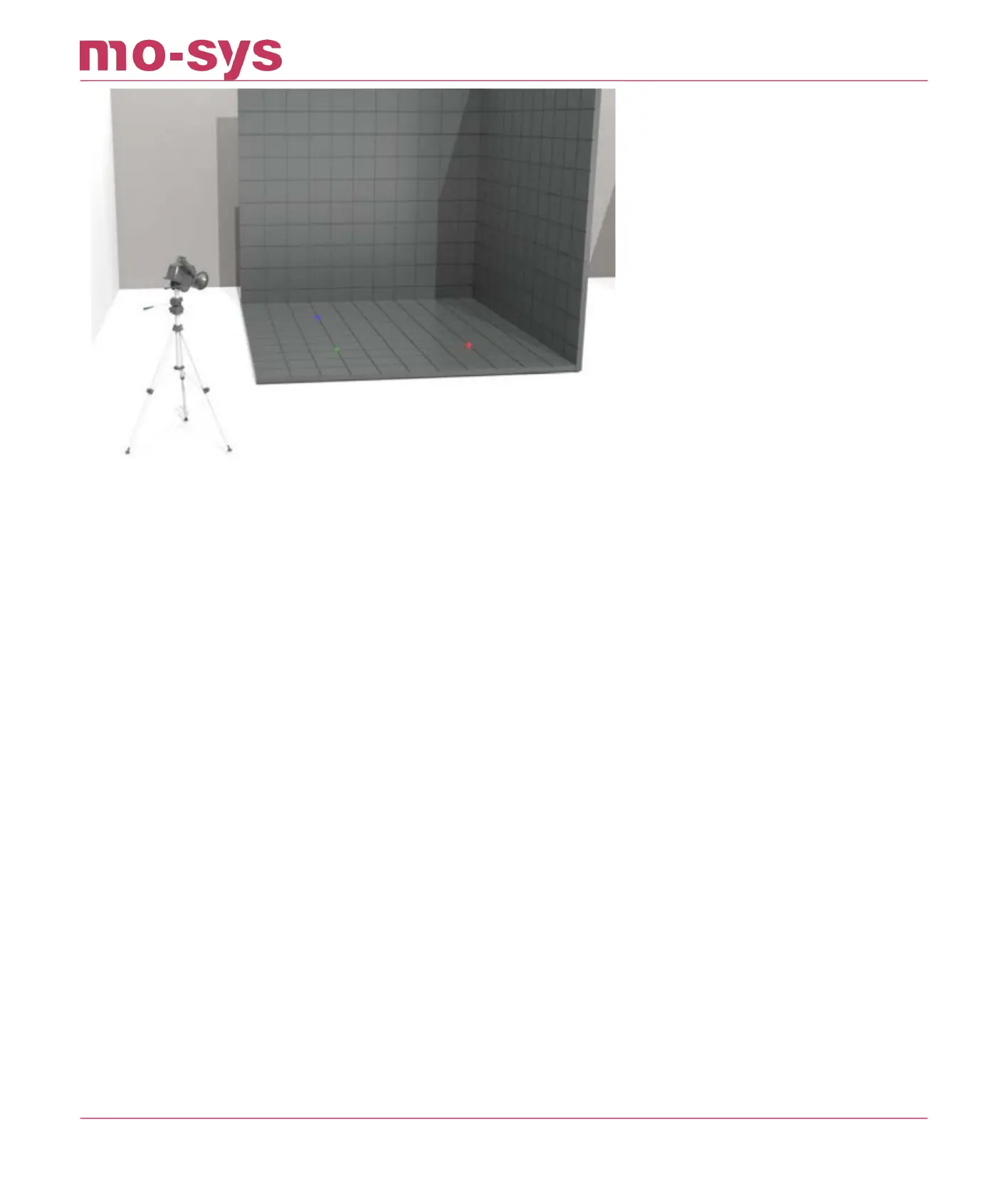
12.3 Entry Of Points
Then go to the Osets → AutoAligner menu and select the Markers menu at the top. In the blue
boxes, enter the 3D positions of the reference points you measured. For instance, you would
enter the known X,Y,H coordinates of point 1 in the boxes marked X, Y, H. The units are in
meters.
If you have measured fewer than 6 points, ignore the rest. You should measure at least 3 points,
or the system will not calibrate. In the screenshot below, three reference points have been
entered so far, point 1 being the zero point shows the coordinates 0, 0, 0.
These points are automatically saved to prevent you having to re-enter them if you restart the
software.
StarTracker Max Manual
2023 - 2024 © Mo-Sys Engineering Ltd. All rights reserved 50 of 70



 To Next Page