Page 13 of 46
4.
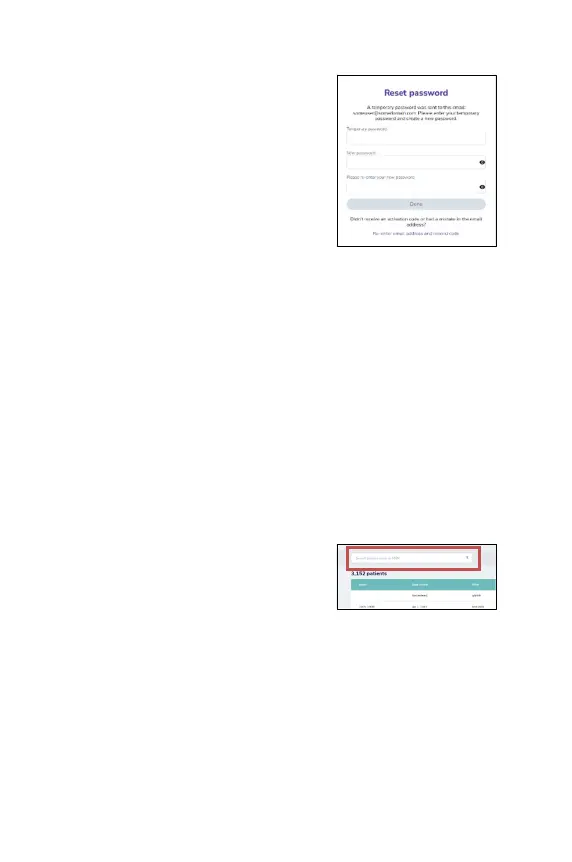
Enter the temporary password and create
a new one, then enter it once again.
Limitation of active logins
There is a limit of 10 active connections to the EVA System (either to multiple EVA
devices or to the EVA Portal from multiple locations) that can be maintained by
one user.
Viewing patient records
Upon successful login, you can view a list of all the cases you have performed with
the EVA System with exam notes.
1. To review a patient’s exam note click on the name of the patient in the list.
2. Deleting a patient record: hover the cursor over a patient name, and a delete
button is displayed in the right column. When the deletion is confirmed all
the data related to the patient is permanently deleted from the system.
Searching for patient records
To search for a patient, enter the patient’s
name or medical record number by typing in
the
search field at the top of the screen and
tapping enter. The relevant results will be
presented on the screen.



 To Next Page