Page 14 of 46
Reviewing and editing patient examination
records
In the patient examination record, all the
information collected about the
current and past examinations is displayed:
patient details, documentation of the exam,
images, annotations, and history of present
illness.
1.
If multiple examinations of the same patient have been collected, they will
be shown on the
top of the patient examination record. The user can choose
to view the specific examination by clicking on the date of the examination.
2.
An option to delete an exam is displayed next to exam details. Once it’s
confirmed all the exam’s data is permanently deleted from the system.
Editing the Exam
1.
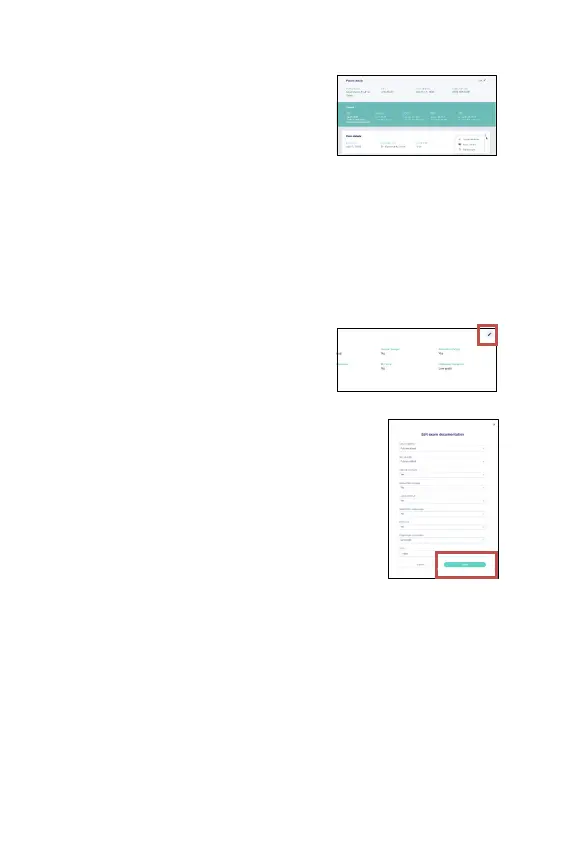
In the patient examination record, the
user can edit the documentation section
and the history of present illness by
pressing the edit icon.
2.
When the user on the edit icon in the
patient
record, a modal with all the
relevant information appears and the
user can change the field. To save the
changes, the user needs to press on
“Save”.
Viewing images and annotations
1. Viewing images: in the patient examination record, the user can open a large
size version of any image by clicking on the thumbnail of that image.
2. Deleting images: in the patient examination record, the user can select
several images to delete. After selecting the images click on the “Delete” icon
at the top right and confirm to delete the images. Once it’s confirmed all the
selected images are permanently deleted from the system.



 To Next Page