Page 33 of 46
If any exams that do
not fit these criteria were selected
for deletion, then a popup message will alert users to
remove those exams from the deletion list.
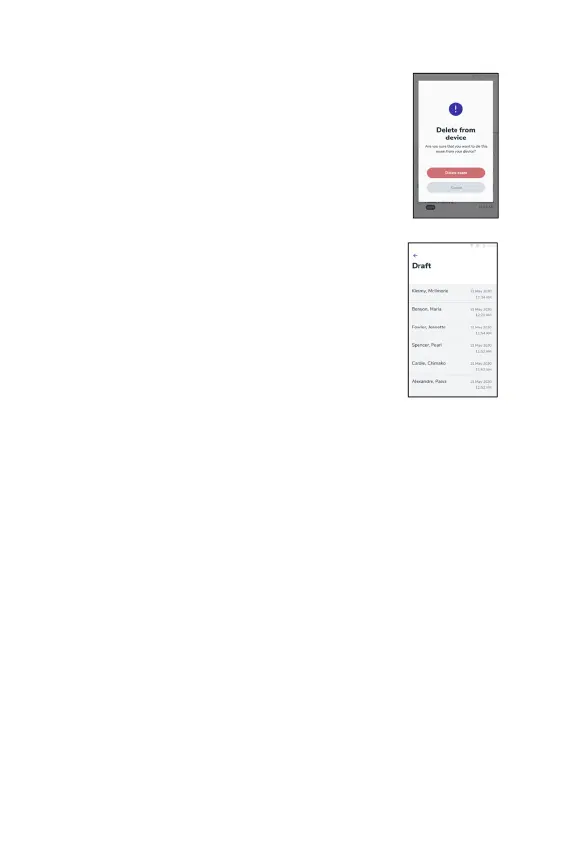
A confirmation popup is displayed once an exam is
selected for deletion. Exams cannot be retrieved once
deleted.
Exam Drafts
An option to save ‘exam drafts’ is available after entering
all the patient details. The exams are saved as draft and
are not synced until the exam is finished.
To access all the drafts, see the Exams list via the main
menu.
About
1. To access the “About” section tap on the menu icon the top left icon the
home screen.
2. Tap on “About”.
3. In the “About” section users can review the version of the app, the release
date and device ID and read MobileODT’s Terms of Use and Privacy Policy.
Handwave feature
The handwave feature allows users to capture images without touching the
device. When the handwave feature is turned on, when performing an exam to
capture an image, move the hand in a hi-five motion towards the top of the
screen. This feature is configurable from the camera setting menu.
Support
1. To reach out to MobileODT support, tap on the menu icon at the top left of
the screen.
2. In the menu section tap on 'Support'.



 To Next Page