100/152
Q25 Camera Manual: Installation
© MOBOTIX AG • Security-Vision-Systems • Made in Germany
www.mobotix.com • sales@mobotix.com
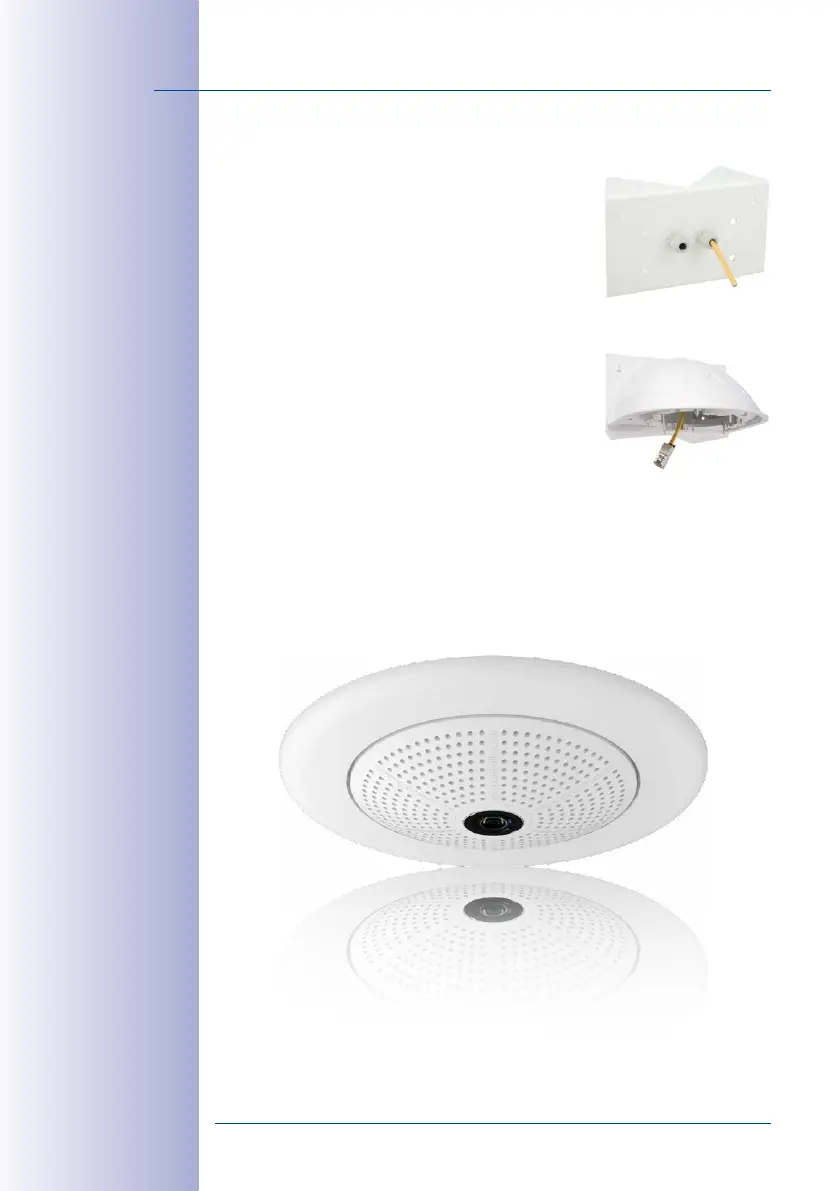
2.7.4 Mounting the Wall Mount to the Corner and Pole Mount
• Feed the cables through the appropriate hole at the
back of the Outdoor Wall Mount. The wall sealing on
the Wall Mount must be in place already (see
Section 2.6,
«Installing the Wall Mount»
).
• Use the 6x20mm Allen screws, Ø6mm washers and
M6 nuts included with the Corner and Pole Mount and
attach the Wall Mount to the Corner and Pole Mount.
•
Then continue with the remaining work steps described
in
Section 2.6.2
!



 To Next Page