83/152
Mounting the Camera with the In-Ceiling Set
© MOBOTIX AG • Security-Vision-Systems • Made in Germany
www.mobotix.com • sales@mobotix.com
2.4 Mounting the Camera with the In-Ceiling Set
2.4.1 Mounting Instructions
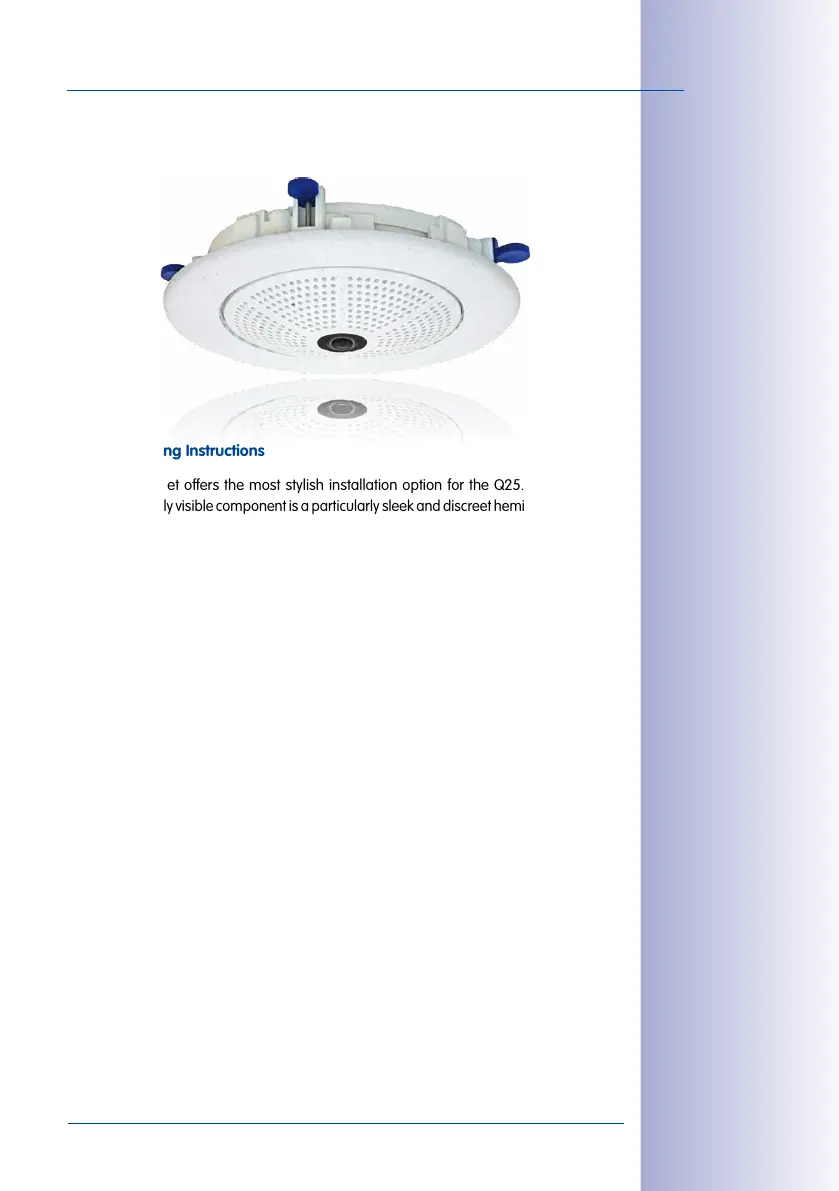
The In-Ceiling Set oers the most stylish installation option for the Q25. When properly
installed, the only visible component is a particularly sleek and discreet hemispheric camera,
while most of the remaining components are concealed inside the ceiling.
For these reasons, the Q25 installed with the In-Ceiling Set is the preferred option for most
indoor spaces frequented by customers or the general public (e.g. hotels, restaurants,
banks, retail stores, public buildings, etc.).
The common use of suspended ceilings in commercial and public buildings is an additional
reason to place a preference on in-ceiling installation. The installation process is also
simplified, as the network cable may be laid without diculty and only a 15cm diameter
hole must be cut in the ceiling or ceiling component.
Before installing the MOBOTIX Q25 to an indoor location using the In-Ceiling Set, you must
prepare the network connection and drill a hole for the camera:
• Network connection: The network cable is fed through the ceiling directly above
the camera.
When preparing for installation, keep in mind (particularly with regard to cable slack)
that the camera may later need to be repositioned in the correct orientation, accord-
ing to its specific purpose (OBEN / TOP arrow pointing in the direction of the longer
wall for ceiling installation in rectangular rooms).
• Cut a hole for installation: The hole should have a diameter of 150mm (see drilling
template at the end of the manual).
The decorative ring is
available in different col-
ors and in stainless steel
See
Section 2.4,
«Mounting the Camera
with the In-Ceiling Set»
for a detailed description



 To Next Page