72/152
Q25 Camera Manual: Installation
© MOBOTIX AG • Security-Vision-Systems • Made in Germany
www.mobotix.com • sales@mobotix.com
2.2 Mounting the Camera Without Accessories
2.2.1 Mounting Instructions
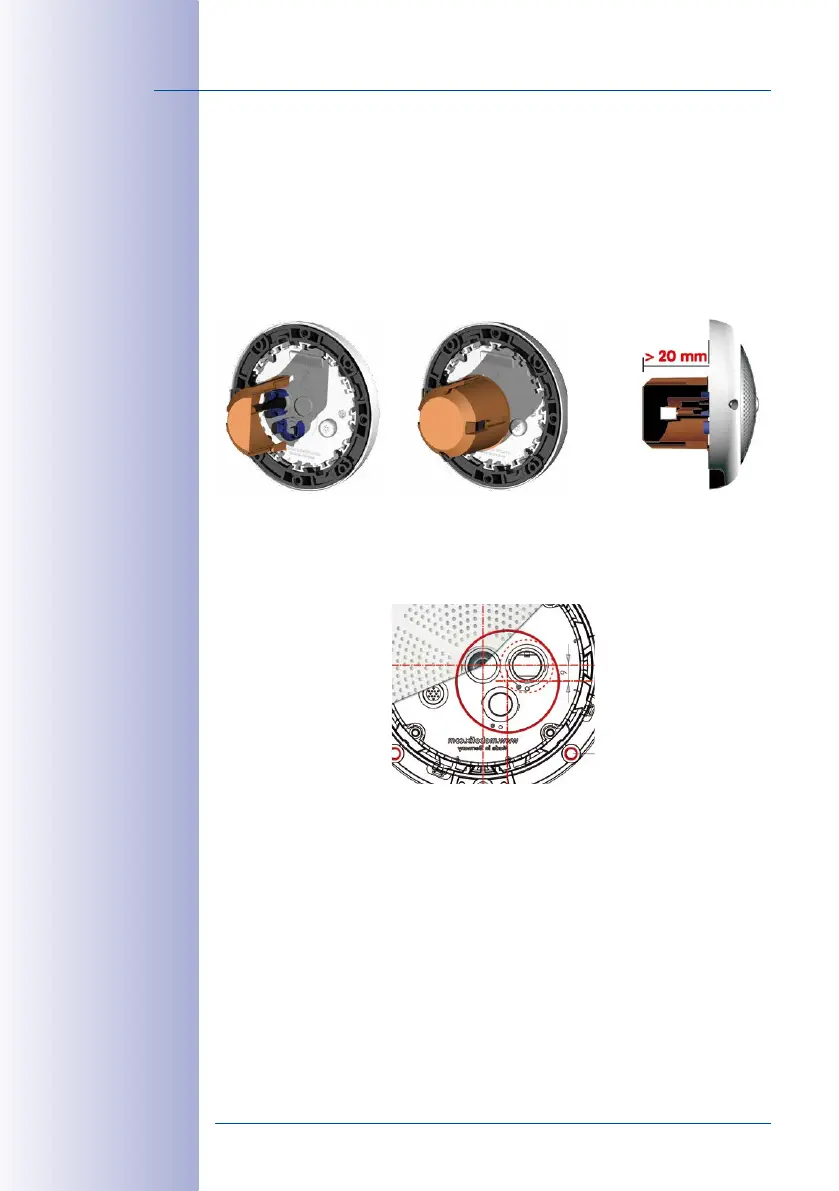
The Q25, being an overview camera, is primarily designed for installation on walls or
ceilings. Direct installation of the camera without any accessories is, in general, always
possible, however - due to elevation of the rear casing of the camera where connections
and their holders are - a flush-mounted wall outlet should be installed first.
The drilling template also includes a blue circle marking the minimum size and position
of this wall outlet, in addition to the drilling holes. To guarantee maximum coverage of the
room by the camera, the Q25 should be positioned on the wall or ceiling as close to the
middle of the room as possible.
Installation over a stan-
dard ush-mounted wall
outlet (minimum installa-
tion depth 20 mm/8 in)



 To Next Page