96/152
Q25 Camera Manual: Installation
© MOBOTIX AG • Security-Vision-Systems • Made in Germany
www.mobotix.com • sales@mobotix.com
2.7 Installing the Corner and Pole Mount
2.7.1 Mounting Instructions
The Corner and Pole Mount is made from stainless steel and is extremely robust and
rustproof. It is used in combination with the Wall Mount described in
Section 2.6
, in the
case that a Q25 is to be installed on a pole or building corner. The Wall Mount required
for complete installation must be ordered separately.
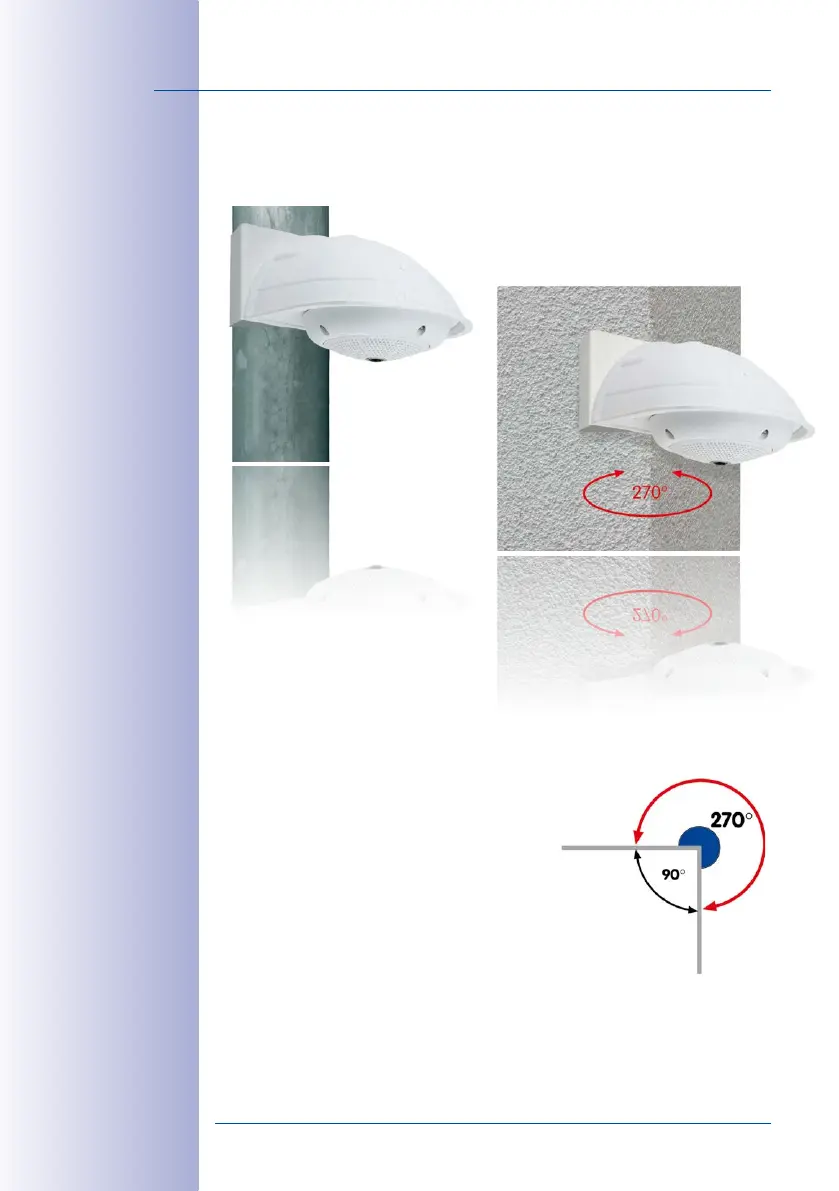
The mounting pole should have a diameter between
60 and 180 mm. Thanks to the 360° panorama view
from above, installing the camera on the corner of
a building makes it possible to monitor a range of
approximately 270° from one building wall to the
other (around the corner) with one single Q25 camera.
By design, the Corner and Pole Mount cannot be
mounted above a wall outlet for the camera cabling.



 To Next Page