88/152
Q25 Camera Manual: Installation
© MOBOTIX AG • Security-Vision-Systems • Made in Germany
www.mobotix.com • sales@mobotix.com
2.5 Installing the Vandalism Set
2.5.1 Mounting Instructions
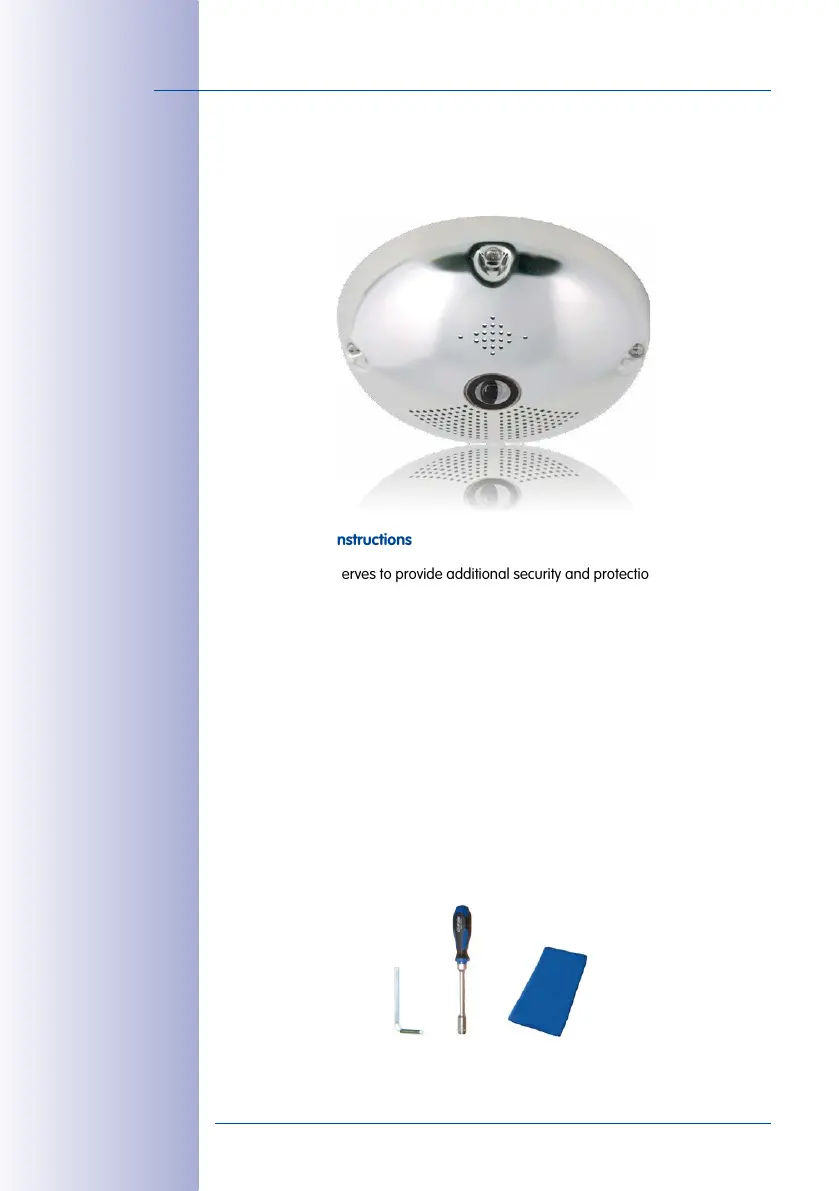
The Vandalism Set serves to provide additional security and protection for Q25 cameras.
It may be installed with little eort and at low cost. This set is recommended for use under
particularly demanding conditions (such as prisons, trouble areas, train stations, etc.). The
set consists of a robust stainless steel cover for the camera housing (matt or polished)
and an impact-resistant dome cover made of reinforced plastic.
To install the Vandalism Set, simply mount the stainless steel cover and the included security
screws (with the four mounted spacers) over the standard housing.
Scope of Delivery and Required Parts
Please check that all components supplied with the Vandalism Set are present in the original
packaging first. The following additional tools are required for installation:
• Allen wrench for removing the standard outer shell (included in Q25 packaging)
• Screwdriver with bit receptacle for the two-hole driver bit
• Clean and soft cotton cloth



 To Next Page