50/152
Q25 Camera Manual: Product Overview
© MOBOTIX AG • Security-Vision-Systems • Made in Germany
www.mobotix.com • sales@mobotix.com
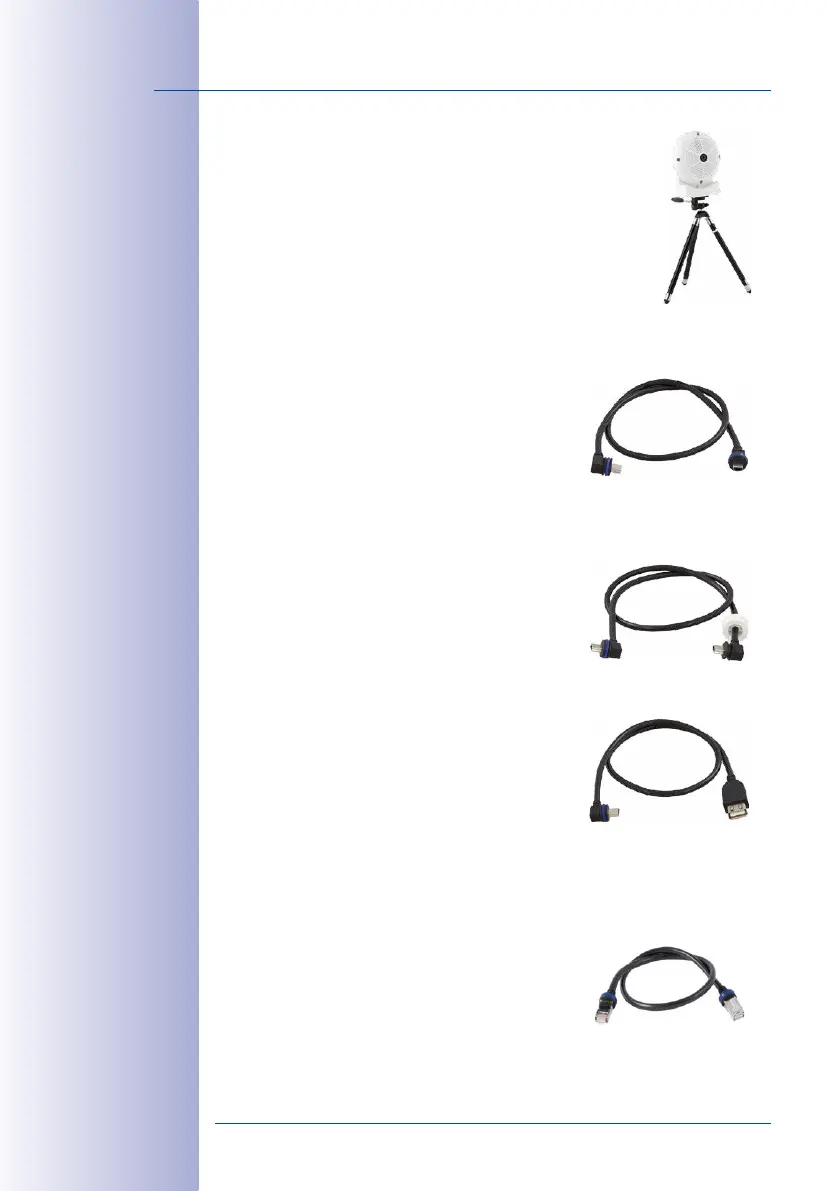
Using as a Stand (with/without tripod)
Using this stand, you can now place the camera upright on a flat
surface or mount the whole assembly on a tripod (1/4” tripod thread
at the bottom of the stand).
1.4.8 MiniUSB Cable to MiniUSB (Angled/Straight)
Order no.: MX-CBL-MU-EN-STR-05/2/5 (angled/straight)
MOBOTIX add-on modules (MX-232-IO-Box, ExtIO,
CamIO) can be connected directly to the Q25 with this
cable, which is up to five meters long.
1.4.9 MiniUSB Cable to MiniUSB (Angled/Angled)
Order no.: MX-CBL-MU-EN-EN-PG-05/2/5
(angled/angled)
The MOBOTIX ExtIO can be connected directly to the
Q25 with this cable, which is up to five meters long.
1.4.10 MiniUSB Cable to USB-A Socket
Order no.: MX-CBL-MU-EN-AB-05/2/5
USB-based storage media (for example, USB hard drives)
can be connected directly to the Q25 with this cable,
which is up to five meters long.
1.4.11 Ethernet Patch Cable for Bayonet Catch
Order no.: MX-OPT-CBL-LAN-1/2/5/10
(length: 1m/2m/5m/10m)
The MOBOTIX-developed special cable can be installed
in a waterproof manner and has an integrated sealing
gasket. Every Q25 ships with a 0.5-m-long cable as
standard, which can be exchanged for a patch cable
up to 10m in length.
Only cables with
angled plugs can be
used for the Q25



 To Next Page