Please visit the official TimeShow website to design and publish your work:
https://timeshowcool.com/
Change watch faces
•
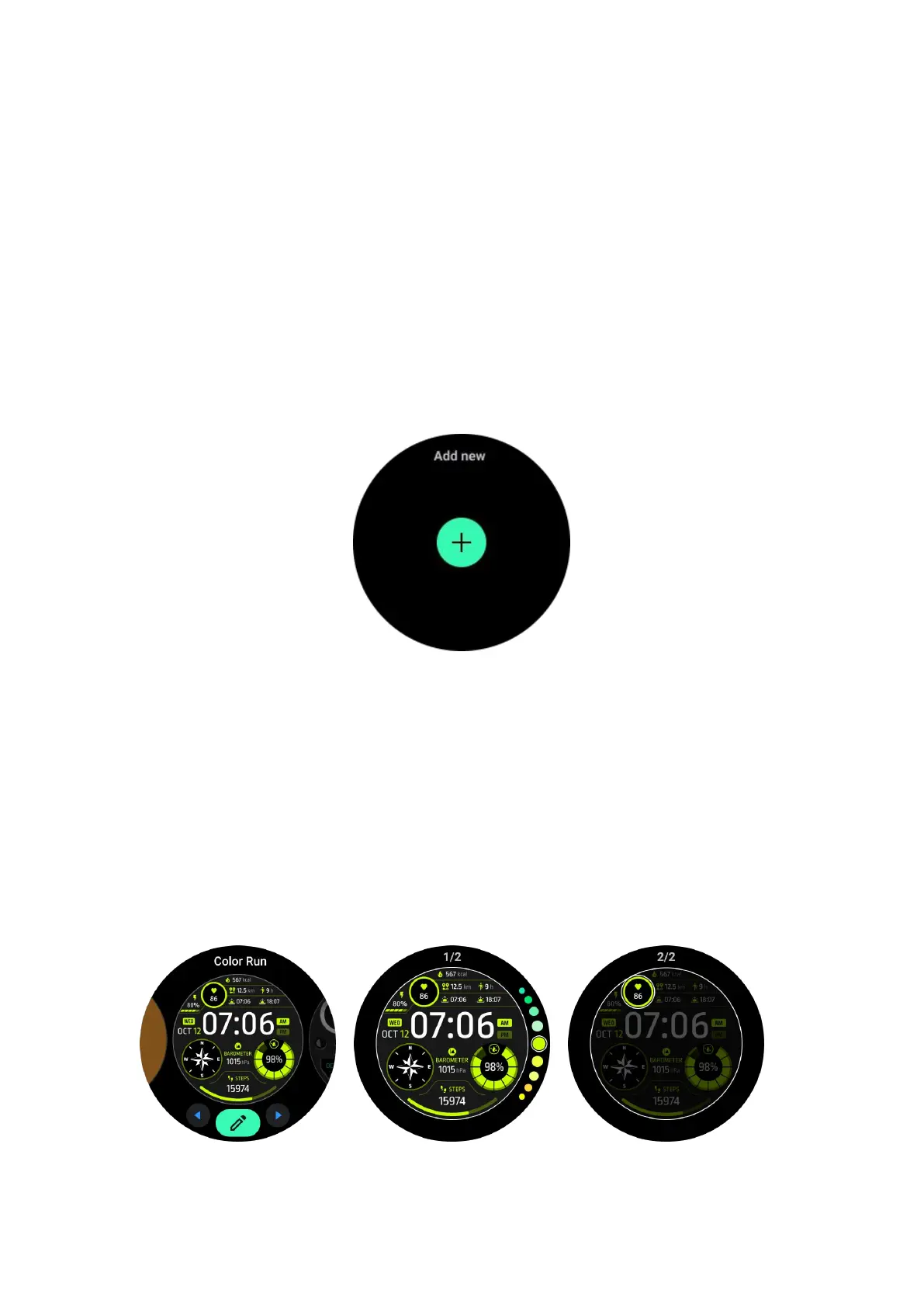
Long-press on the watch face to enter the watch face edit list
• Tap the watch face to apply
If you want to add watch face to your favorite:
• Tap "See more watch faces" to view all your watch faces
• Tap the watch face to add it to your favorite
Edit watch faces
Some customizable watch faces have an "Edit" button. You can edit them according
to your preferences.
• Tap the settings icon
•
Swipe left or right on the screen to select the desired customization option
• Use the rotating crown or swipe up or down to change the color or other settings.
•
To change the complications, tap the highlighted area you want and then set
them.



 To Next Page