The heart health monitoring feature provides detection and monitoring related to
irregular heart beat problems, including tachycardia, bradycardia and atrial
fibrillation(AFib) monitoring. This will help keep an eye on your heart health. This
feature may not be available depending on the model.
Start heart health testing manually
Users can choose to manually check or enable 24-hour automatic monitoring. If you
need to manually check, tap the "Measure" button, which will enter the measurement
page. After the measurement is completed, the result will be displayed.
Set up 24h automatic monitoring
To enable 24h monitoring, go to TicPulse -> Settings -> Heart health monitoring ->
enable Heart health monitoring.
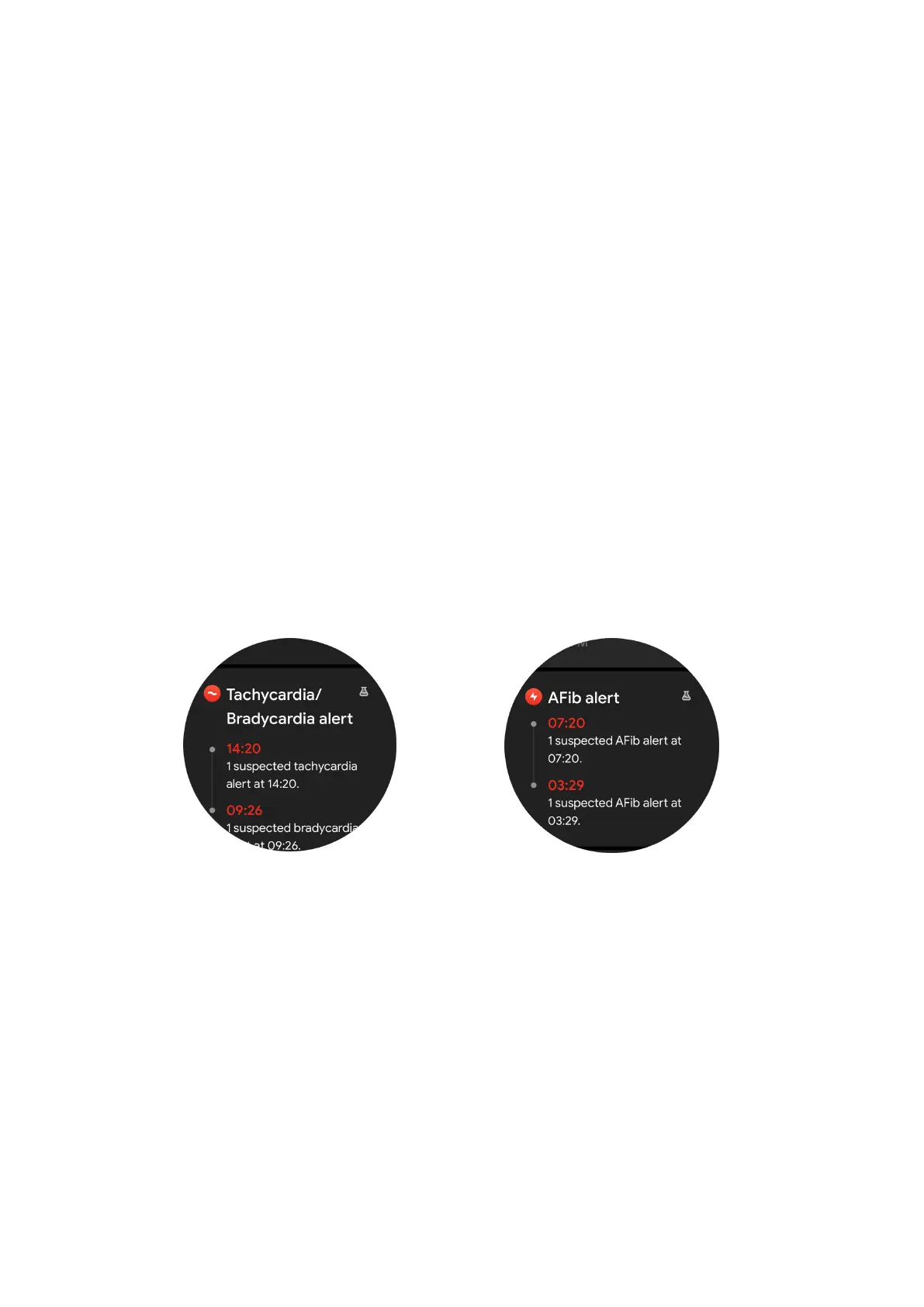
View abnormal alert
When there is abnormal data, there will be an alert notification on the watch side.
The monitoring results of the watch will only display the heart health monitoring
results for the current day. Historical data can be viewed on the Mobvoi Health app.
Why is measurement sometimes inaccurate?
The measurement result may be subject to factors such as way of wearing and skin
contact area. It is for reference only and not recommended as a basis for diagnosis
Heart rate monitoring
Change the heart rate measurement settings:
•
In the TicPulse app, scroll to the bottom of the page
•
Tap Settings
•
Enable 24-hour monitoring.



 To Next Page