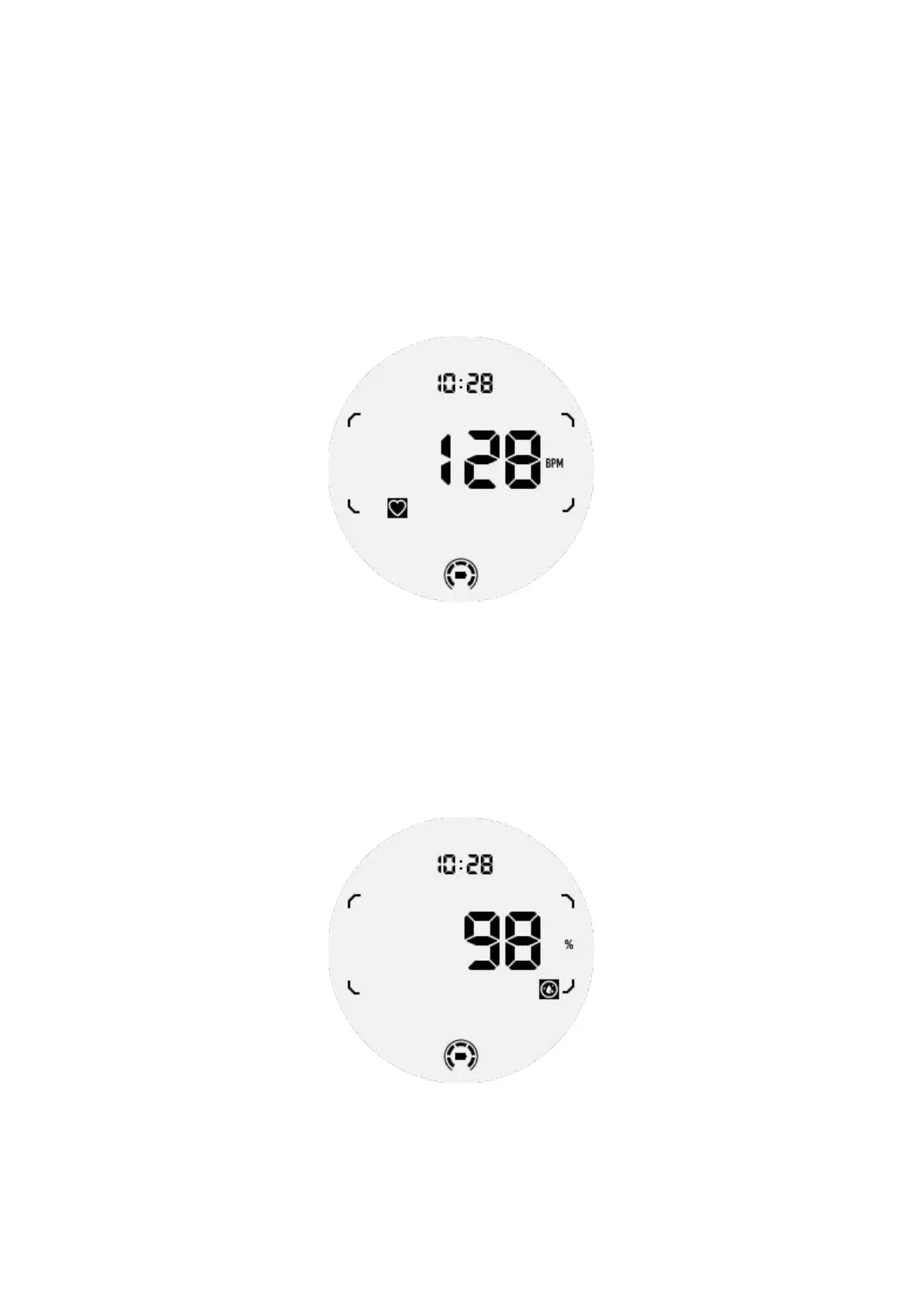
Please note that not all health data can be shown in Essential mode. To view all
available data, you need to switch back to smart mode by long-pressing the side
button, and find today's or history health data via the TicApps (on your watch) or
Mobvoi Health app (on your phone).
Heart Rate
Supports active detection and 24-hour passive monitoring.
Active detection can be performed by switching to the Heart Rate ULP Tile.
24-hour passive monitoring requires enabling the 24-hour monitoring setting of
TicPulse app in Smart mode. The monitoring frequency remains consistent with
Smart mode.
Blood Oxygen
Supports active detection and 24-hour passive monitoring.
Active detection can be performed by switching to the Blood Oxygen ULP Tile.
24-hour passive monitoring requires enabling the 24-hour monitoring setting of
TicOxygen app in Smart mode.
Stress



 To Next Page