Supports 24-hour passive monitoring.
To enable passive monitoring, it requires enabling the 24-hour monitoring setting of
TicZen app in Smart mode.
Sleep
Support sleep tracking, including sleep stage, real-time blood oxygen, respiratory
rate and skin temperature tracking during sleep.
Please find more details in the TicSleep app.
Daily Activity
Support tracking your daily activities, includes steps, calories burned, active hours,
floors climbed, etc.
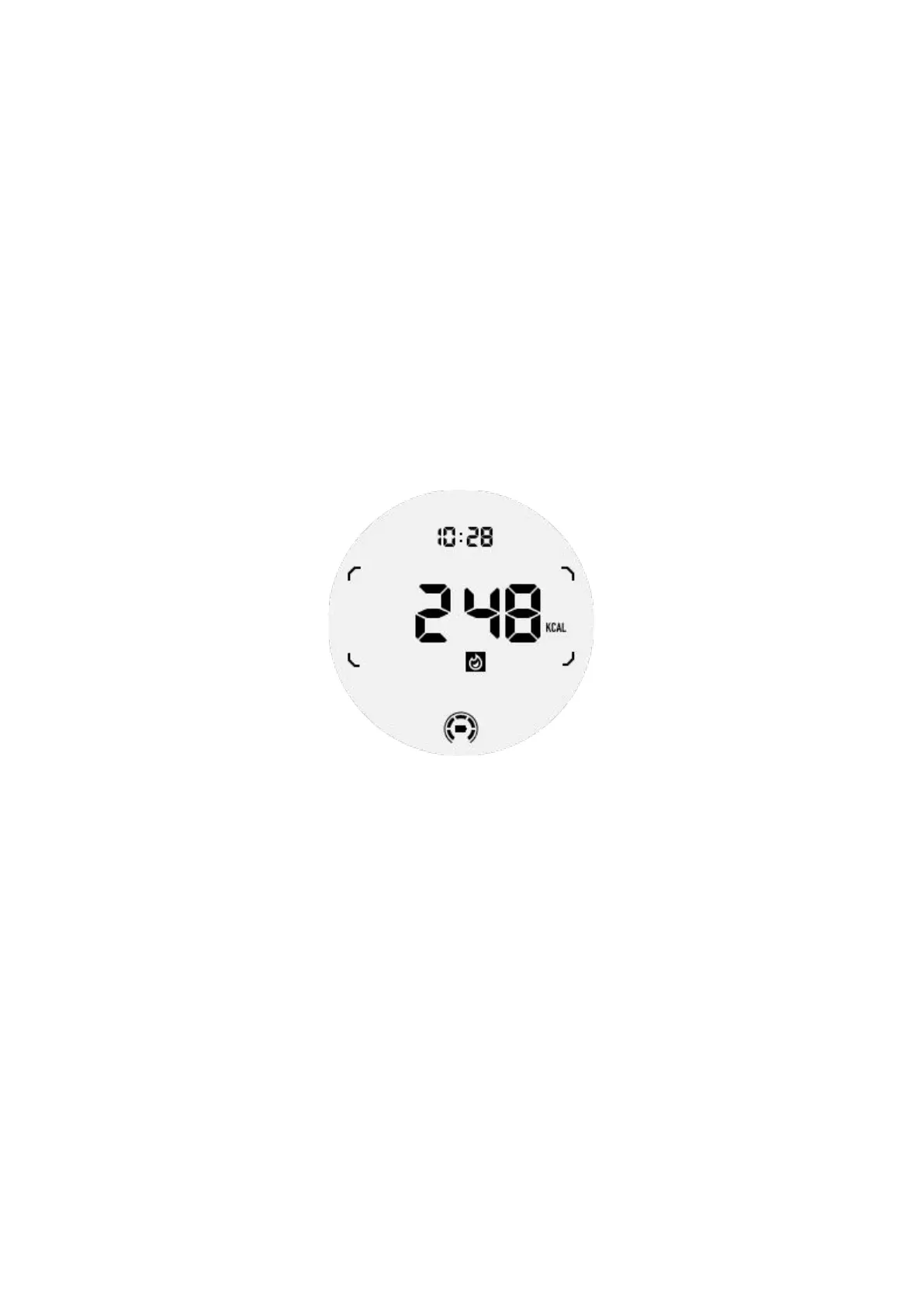
Please switch to the Calorie ULP tile to see your calories burned today.
Function and Tools
There are also some convenient tools available, such as bedtime mode, sleep alarm,
compass, etc.
Bedtime mode
After activating bedtime mode, the tilt-to-wake backlight will be disabled and a moon
icon will be displayed on the ULP display. However, backlight can still be lit up by
rotating the rotating crown.
How to activate sleep mode:
1. Automatically: If bedtime mode is already activated in smart mode, it will
continue in Essential mode automatically.
2. Manual switch: Press and hold the rotating crown for more than 1 second to turn
on/off bedtime mode.



 To Next Page