1.
Rotate to view tiles:
a. On the home screen, rotate to view tiles.
b.
The function can be enabled on Settings -> General -> Rotating for tiles
2. Rotate to view watch faces
a.
Long press the home screen and rotate to view watch faces
3.
Rotate to scroll pages
4.
Rotate to adjust values, including volume, numbers, brightness, etc
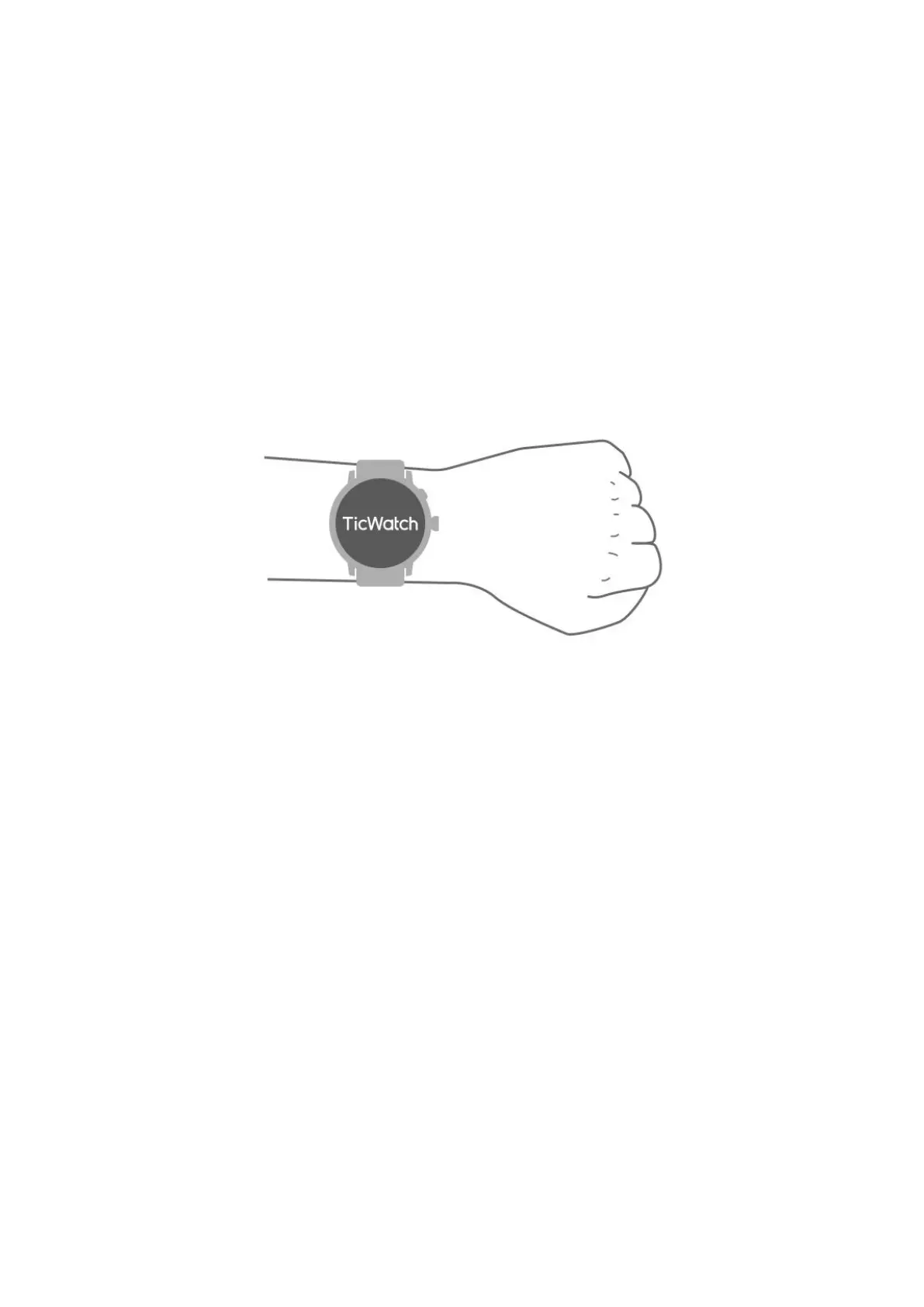
Wear the watch
a. Accurate data on heart rate during exercise can be obtained through correct use of
the watch. Inaccurate data on heart rate will be obtained if it is worn too tightly or
loosely.
b. The watch should be worn 1-2 horizontal fingers above the wrist bone. The watch
worn should fit the arm. Shake the hand a few times to ensure comfortable wear.
c. Keep the wrist clean. Long-term use of the watch on the same area may constrict
blood vessels. It is recommended to adjust the position.
Turn the watch on and off
Turn on the watch
Press and hold the side button for a few seconds to turn on the watch.
Turn off the watch
• Press and hold the side button for a few seconds
• Tap 【Power off】
Force restart



 To Next Page