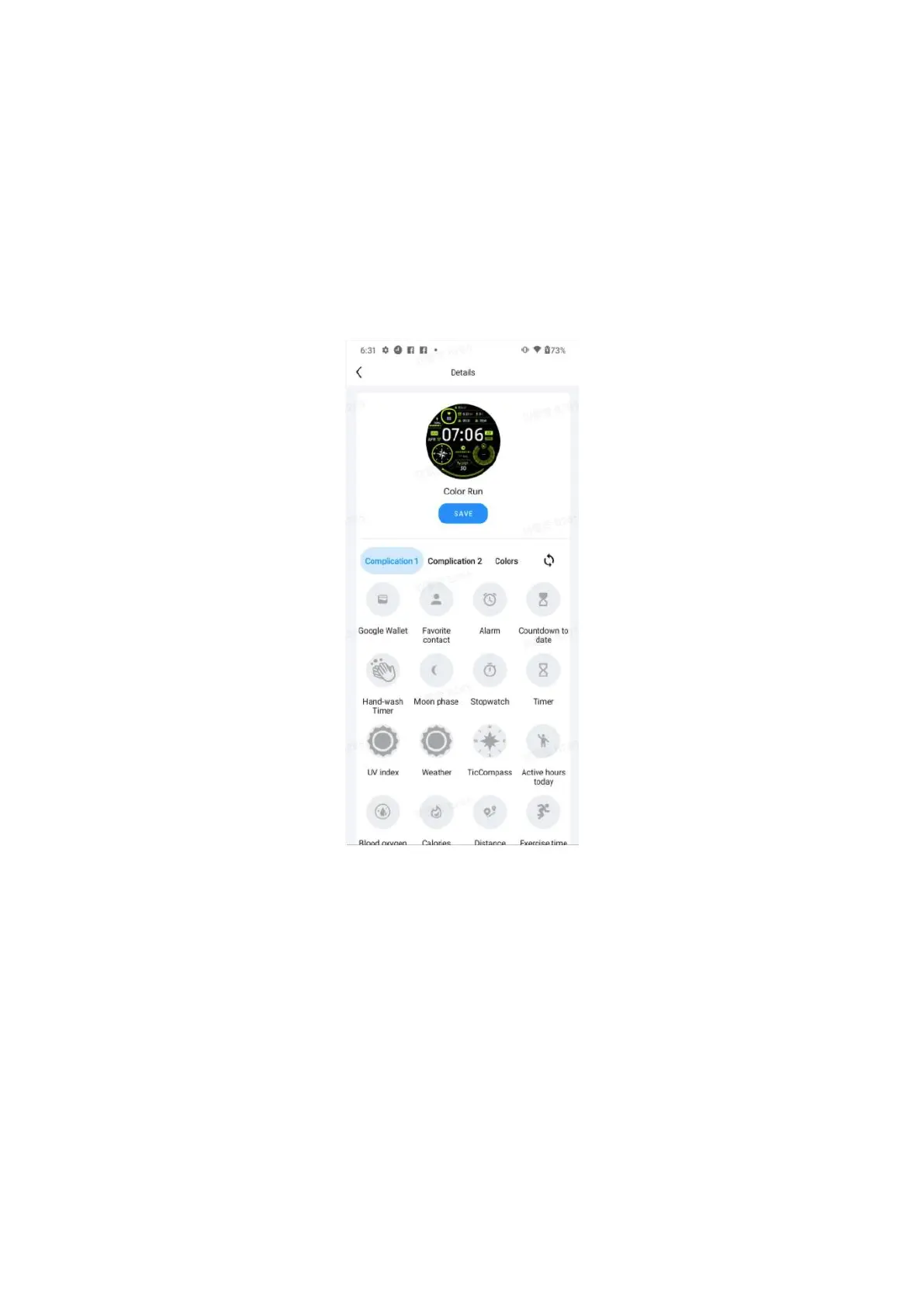
You can also change and customise the watch faces on the Mobvoi Health app on
your phone.
Edit watch face on your phone
1.
You can apply and customize the watch face on your phone. Launch the Mobvoi
Health app on your phone
2.
Tap Device tab.
Please make sure your phone and watch are connected via Bluetooth.
Quick setting panel
It allows you to view and edit the quick settings. To open the quick setting panel,
swipe upwards on the home screen. Use the rotating crown or swipe upwards and
downwards to view more setting icons.
Edit quick settings



 To Next Page