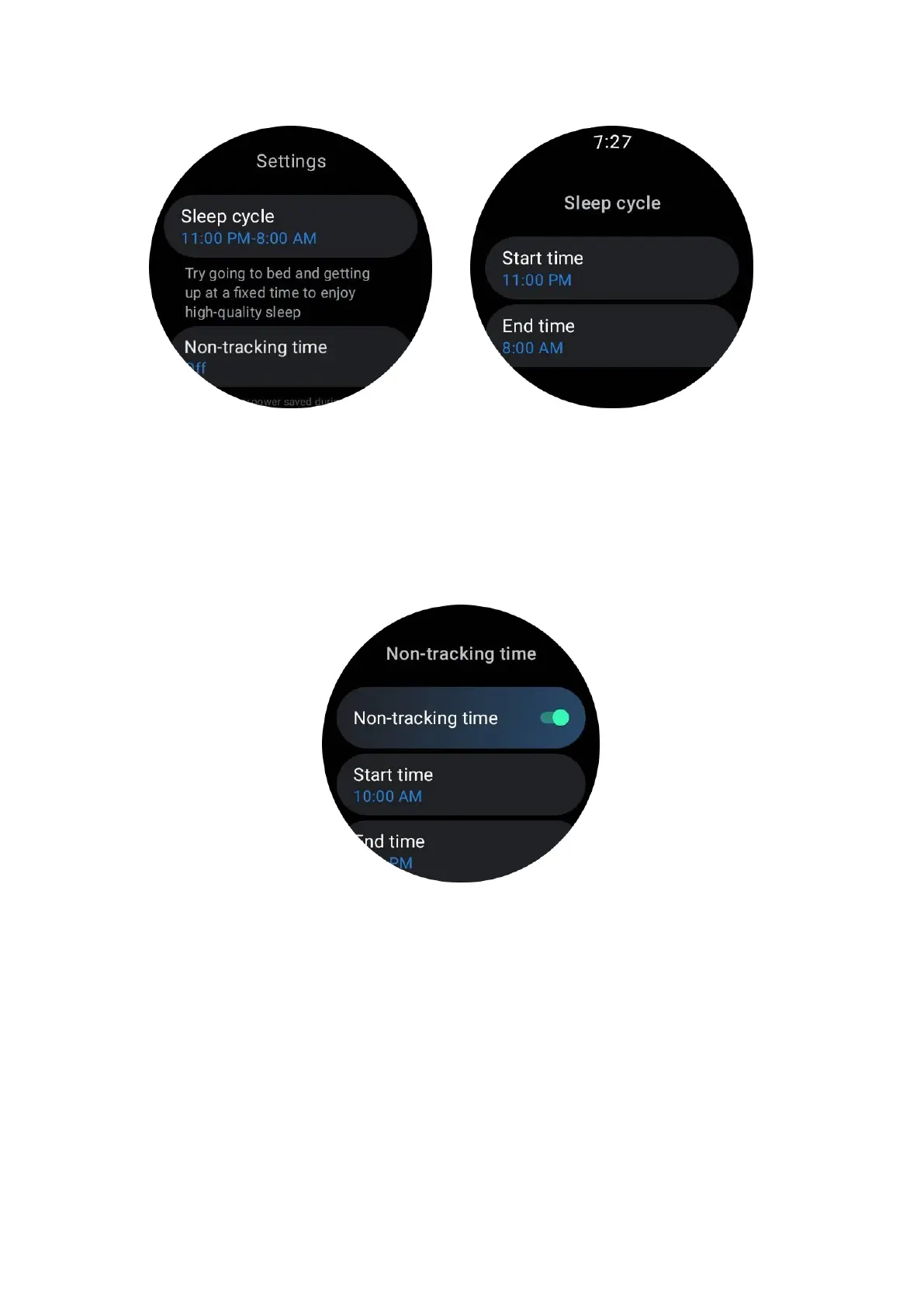
Set non-tracking time
You can set the “Non-tracking time”, during which sleep data will not be recorded, so
as to avoid unnecessary time period.
Tap the settings icon -> Non-tracking time.
Other settings
You can also set the “Sleep alarm", "Bedtime reminder", "Done sleep notification”,
etc.
Sleep respiratory rate
Users can turn on the sleep respiration rate switch in the settings. Once enabled, it
will monitor the user's sleep respiration rate and display a data chart, average
respiration rate, maximum respiration rate, and minimum respiration rate in the sleep
details.



 To Next Page