High Performance Mode
It will continuously monitor your location via GPS and increase the frequency of its
updates once activated. Please note this function will increase power consumption.
Exercise goal
If you choose the corresponding goal, in the outdoor running exercise type, we will
provide corresponding prompts based on your goal and rate the exercise after it ends.
If you choose "Not set for now", this function will not be enabled.
For more details, please refer to Settings -> User help -> TicCoach on your watch.
Weekly exercise goal
Set your weekly exercise days, and the app will display it in the exercise history
record interface and tile interface, allowing you to check your goal achievement
conveniently.
Laps counting settings
You can choose manual lap counting or automatic lap counting. After selecting
automatic lap counting, you can choose the lap distance. When the set distance is
reached, the app will automatically count it as one lap.
TTS
After enabling, the TicExercise will broadcast your exercise status and data when
you start, during, and after the exercise.
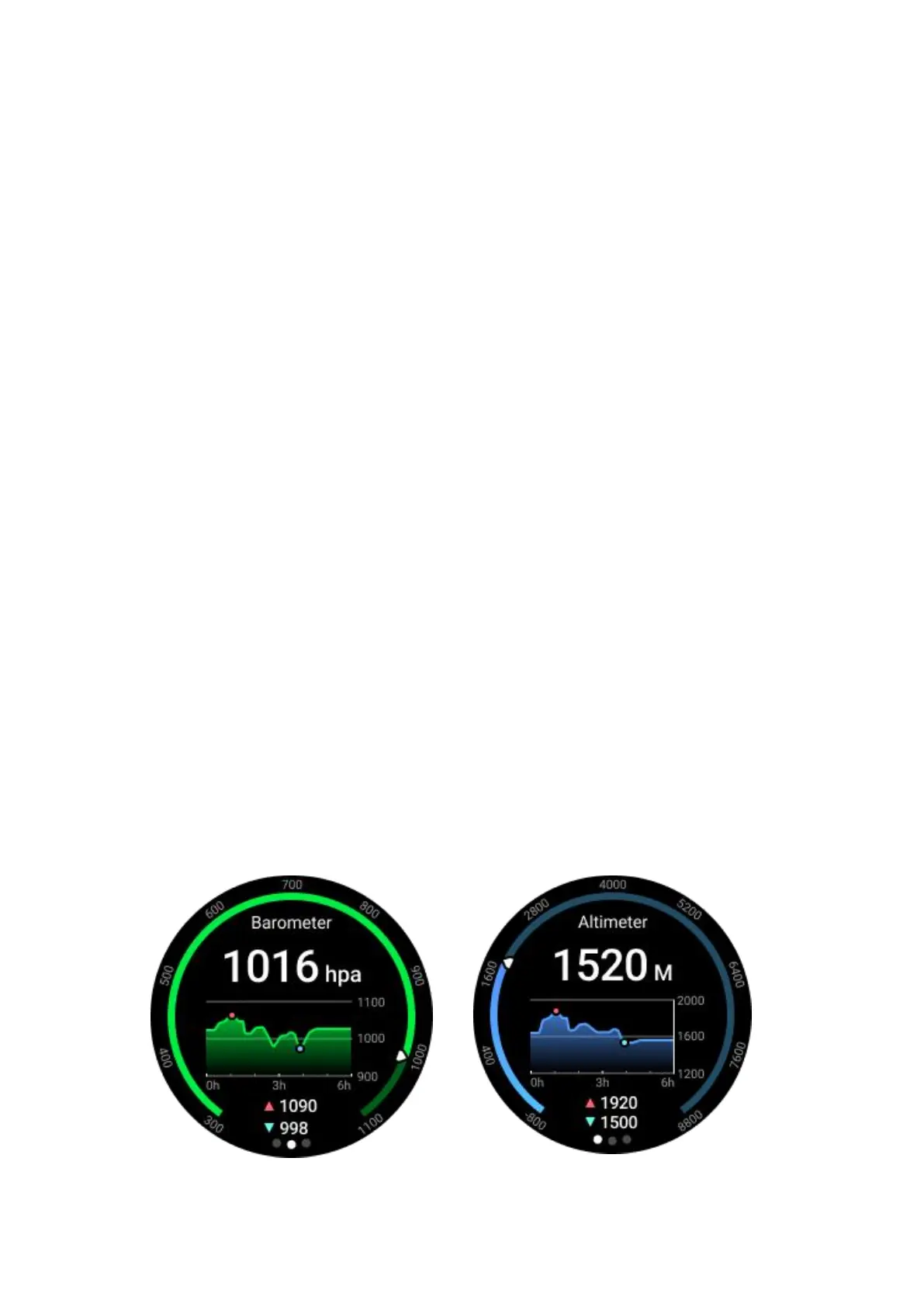
TicBarometer



 To Next Page