•
After turning on the barometric altimeter function, you can check the barometric
pressure and altitude data.
•
To view altimeter data, you need to turn on the Google Location Accuracy
switch to obtain more accurate altitude data. Please go to Settings -> Location ->
Google Location Accuracy.
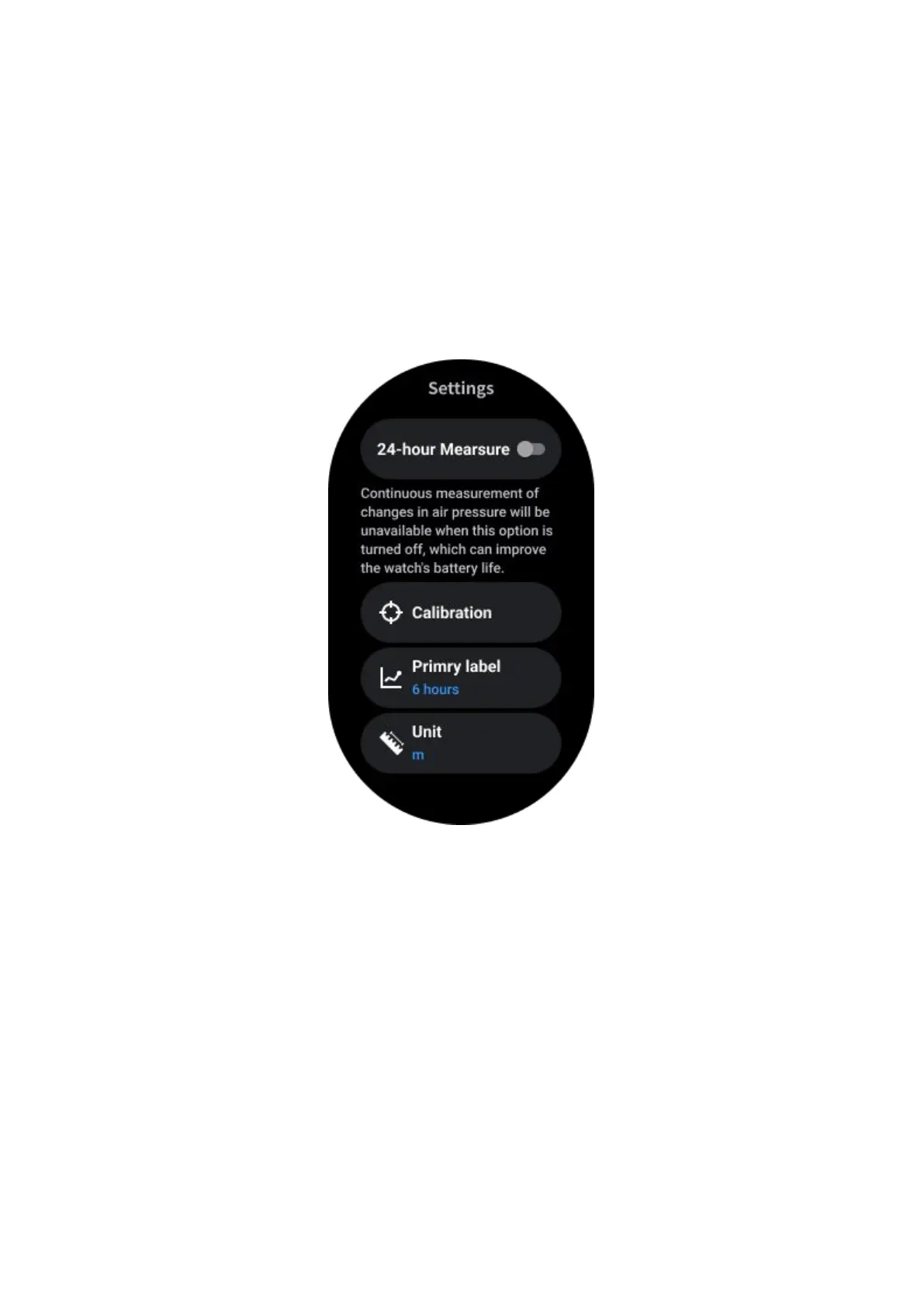
24-hour Measure
After enabling 24-hour monitoring, you can monitor data throughout the day without
opening the TicBarometer app.
Calibration
Calibration methods include inputting the current elevation and using GPS calibration
Input the current altitude
• You need to manually input the specific elevation data. The TicBarometer app
will use this data as a basis for calculating and displaying subsequent data until the
calibration data is reset.
Use GPS calibration
•
When using GPS calibration, you need to calibrate in an open area. After
successful calibration, the TicBarometer app will use this data as a basis for
calculating and displaying subsequent data until the calibration data is reset.



 To Next Page