Change time range
• The range of the trend chart can display 2, 6, 12, 24 hours of these four different
styles, and the chart display will change according to the user's choice.
Essential mode
Essential mode is a power-saving mode with health monitoring functions and tools.
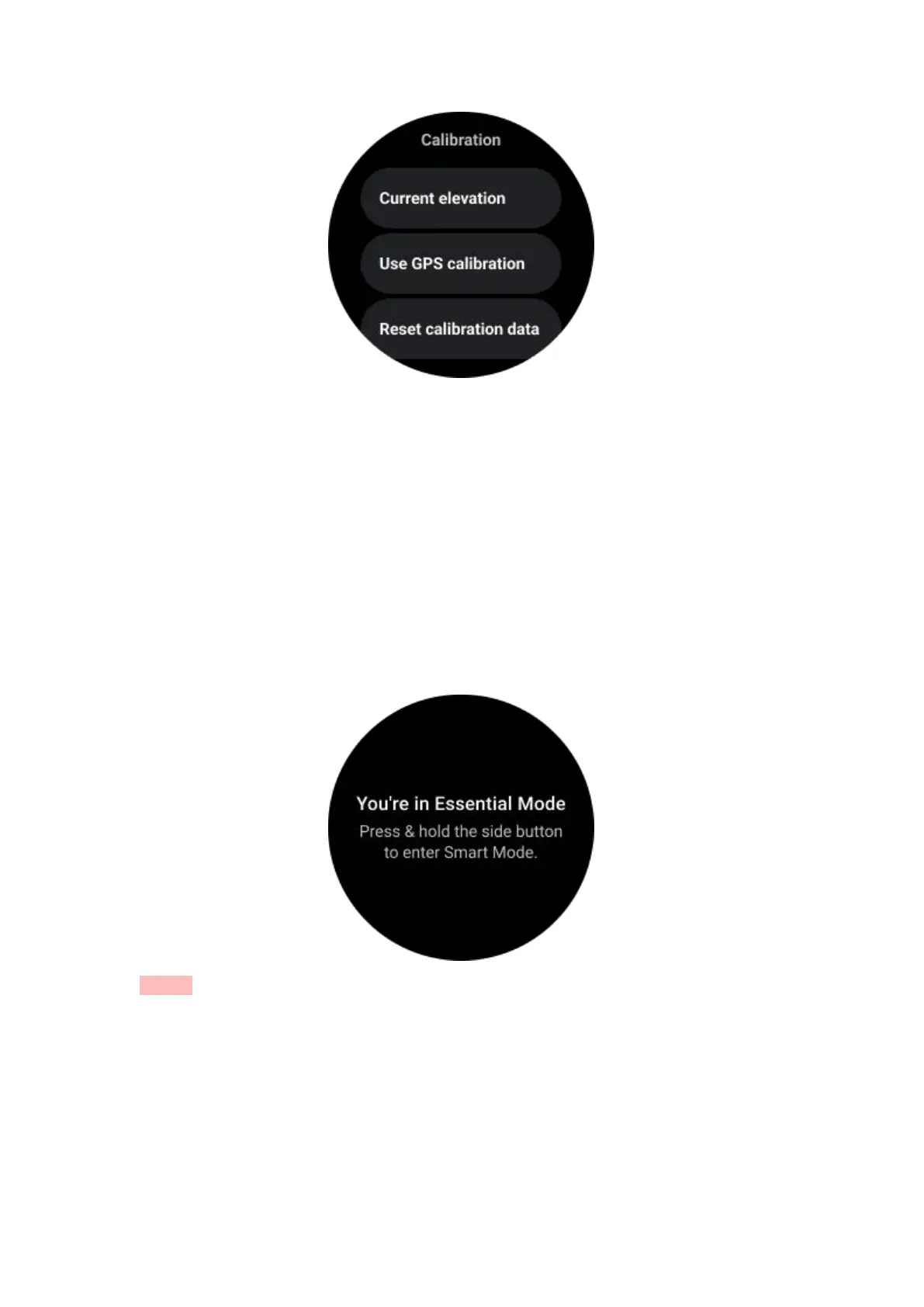
When the watch enters Essential mode, it will show a notification informing that the
watch is in Essential mode by pressing the rotating crown.
Notes: To save battery power at night, your watch will auto enter and exit essential
mode by default. You can set the start time and end time in Essential mode settings
app according to your own habits. Go to "Essential mode settings APP -> Auto switch
by schedule" settings and see more details.
Health Monitoring
Essential mode supports various health monitoring features, including heart rate,
blood oxygen, stress, sleep, and daily activity.



 To Next Page