still on, then the watch will no longer push notifications after the activity is over, but
will still record your activity.
Set your TicMotion
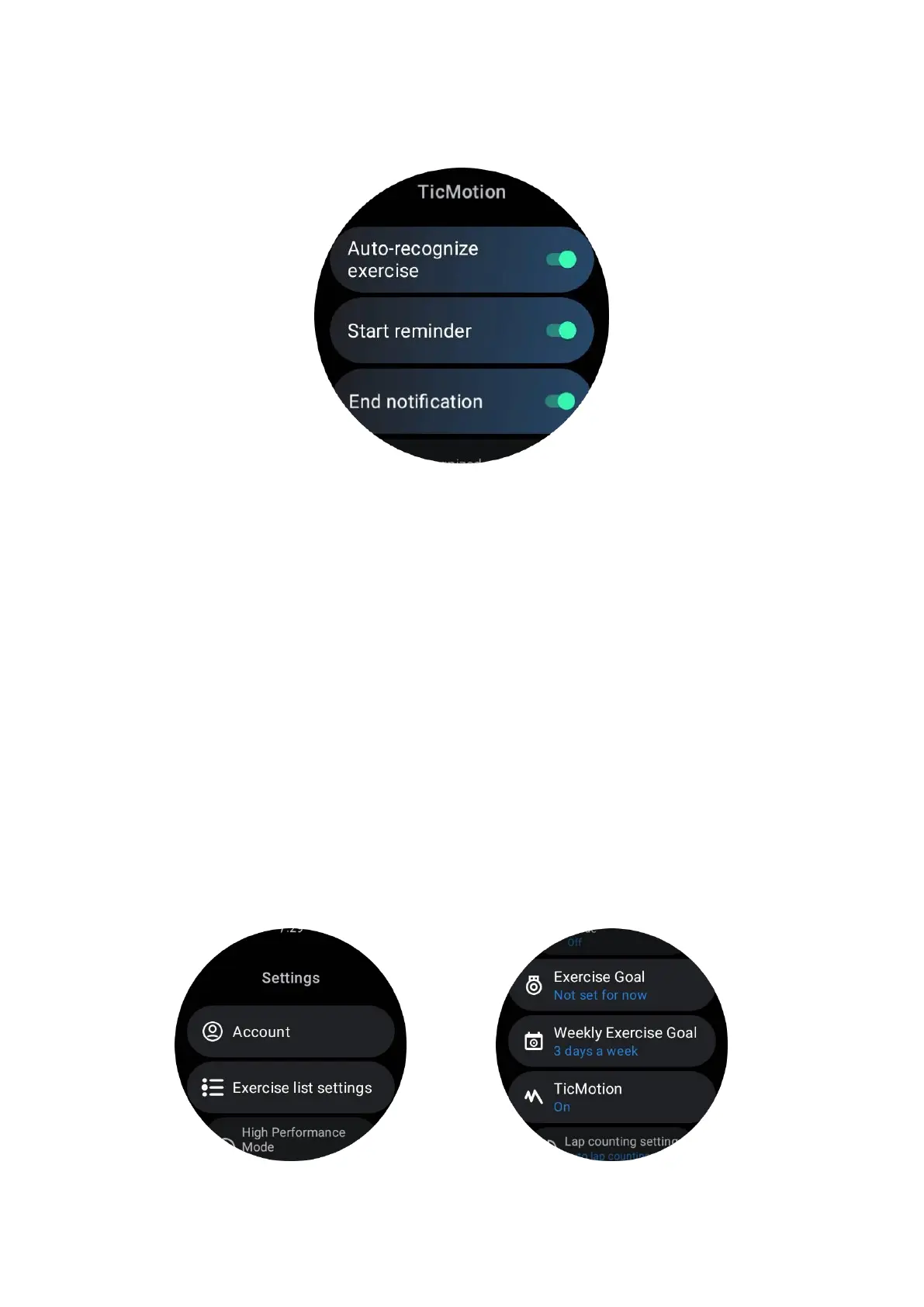
In Settings -> TicMotion, you can choose to enable or disable the TicMotion feature.
You can choose to enable or disable start and end recognition notifications.
You can enable the desired exercise types in the "Recgnized activity" option, such as
walking, running, and cycling (disabled by default, needs to be manually enabled).
Note:
•
Automatic running recognition requires continuous running for more than 1
minute.
•
Automatic walking recognition requires continuous walking for 5 minutes and a
step frequency of more than 120 steps/minute.
• Automatic cycling recognition requires continuous cycling for 5 minutes.
TicExercise settings



 To Next Page