Sleep alarm
The sleep alarm clock of Essential mode comes from TicSleep. Please check the
details in the TicSleep app.
When the alarm goes off, you can click the rotating crown to enter snooze mode or
click the side button to end the alarm.
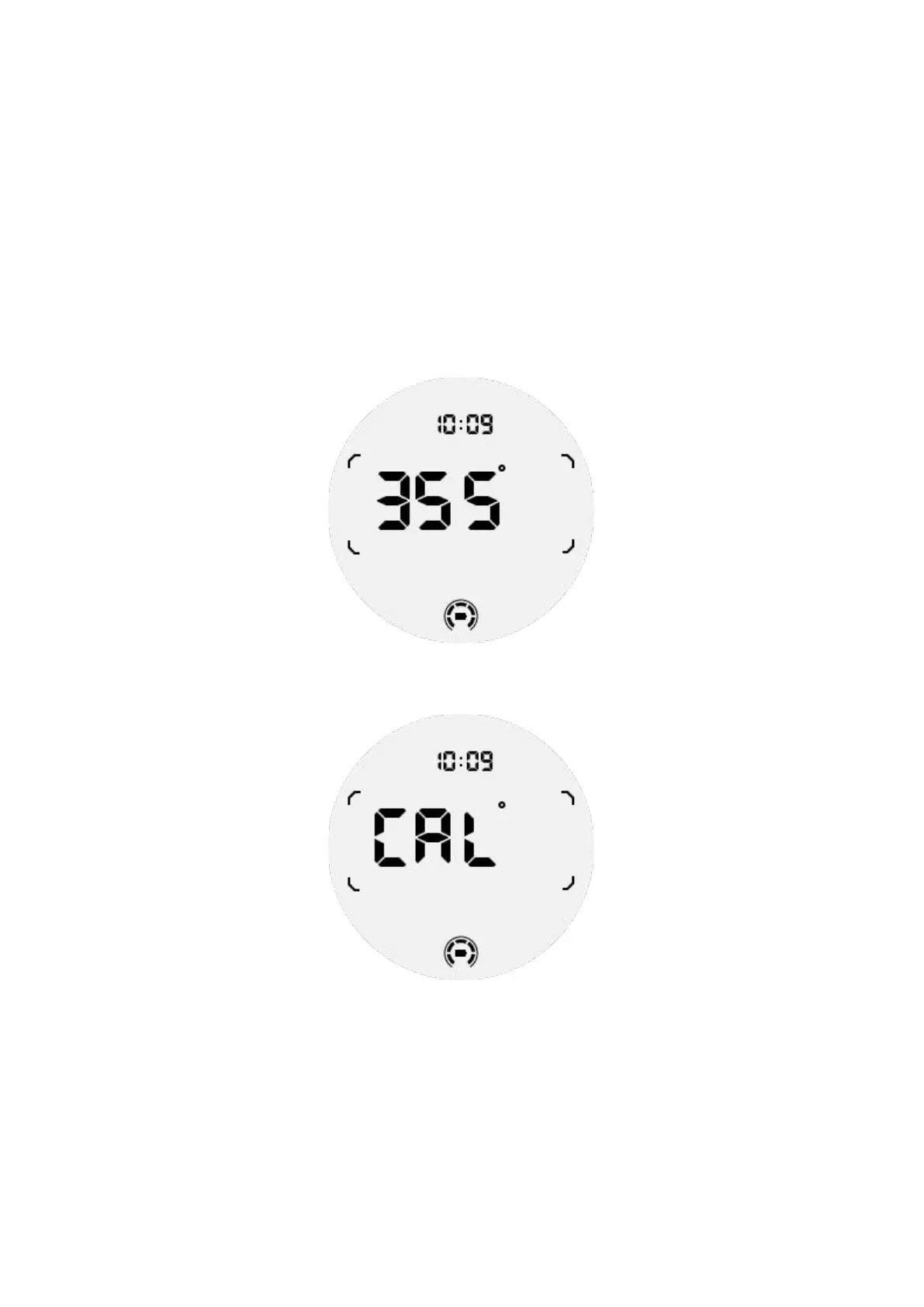
Compass ULP Tile
After switching to Compass ULP Tile, you can identify directions. After 1 minute, it
will time out and return to the Time ULP tile.
If your watch is affected by magnetic field interference, it will display "CAL". At this
time, you need to recalibrate the compass before you can use it again.
How to switch to Essential mode?
Essential mode can be activated by different methods, including manual, scheduled,
smart and low-power switches.
You can access the Essential mode settings app by either navigating through the
App list or by clicking on the battery icon in the QSS tray.



 To Next Page