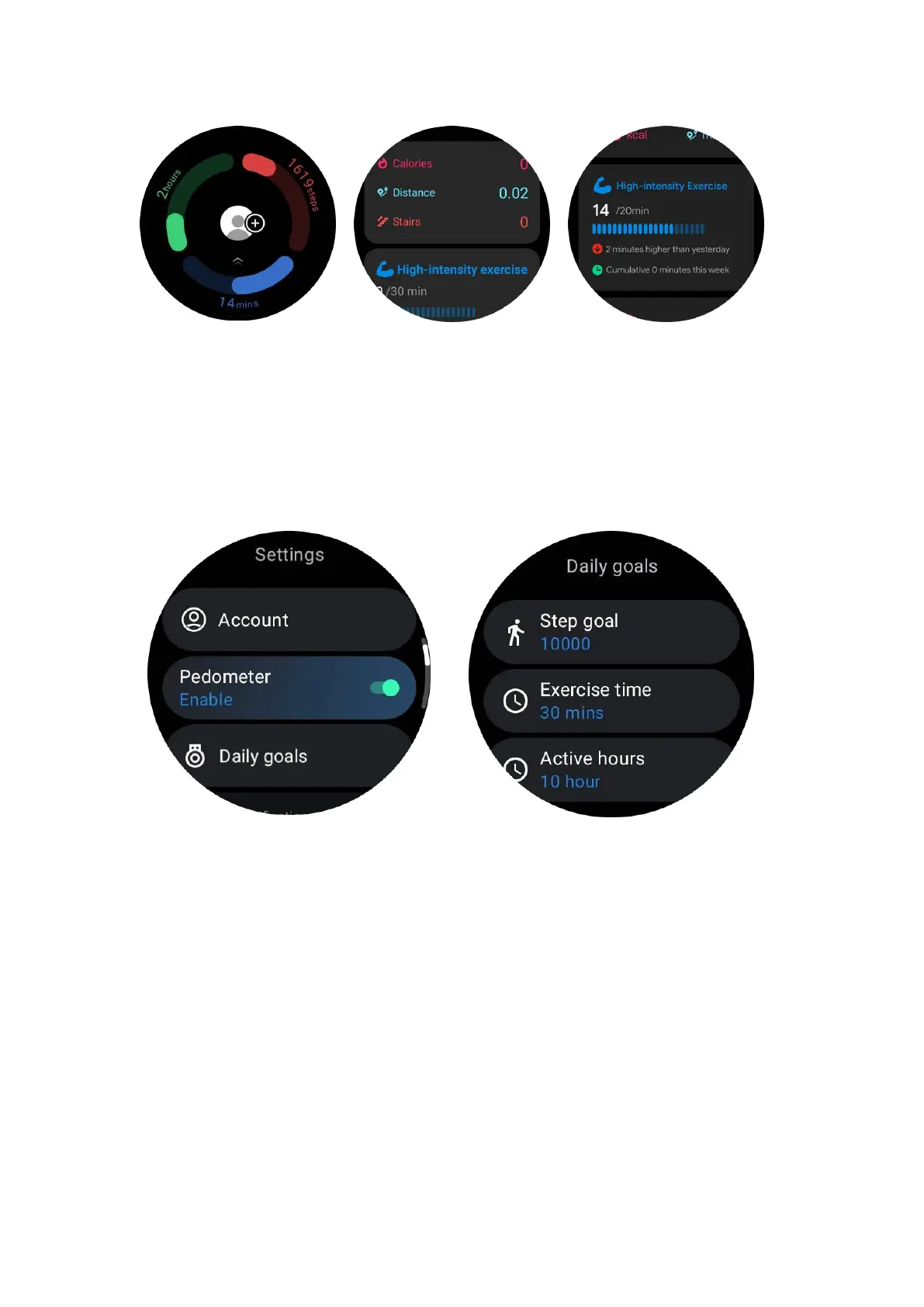
Settings
Set your daily goals
•
Launch the TicHealth app and tap the settings icon
• Tap Daily goals
Set TicHealth notifications
You can tap the Notifications to manage your TicHealth notifications, including:
• Do not disturb: Set do not disturb to mute TicHealth notifications
•
Goal reminder: To receive a notification when reaching the goal you’ve set
• Step reminder: To receive a notification when reaching 80% of your step goal
•
Activity reminder: To remind you to stand up and move every hour.
TicPulse
Heart health monitoring



 To Next Page