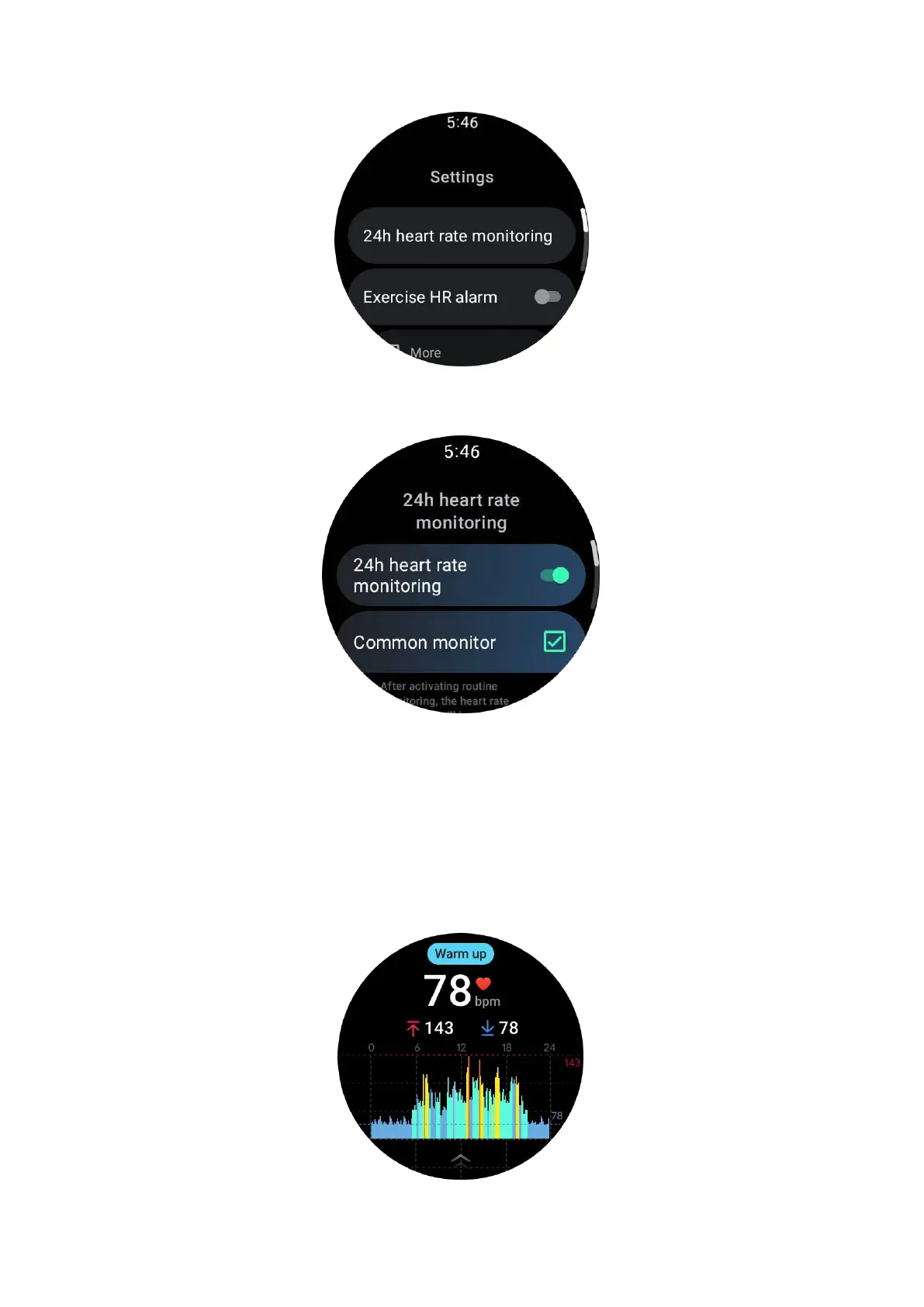
Once enabled, they can choose the monitoring frequency, which includes common
monitoring and real-time monitoring.
1. Common monitoring: Data is displayed at a frequency of one data point every
10 minutes.
2. Real-time monitoring: Data is displayed based on real-time data collection.
Measure heart rate manually
In the TicPulse app, tap the "Refresh" icon to start the measurement.



 To Next Page