Tethys D60 - Tethys T60 - Tethys T45 SHORT-FORM MANUAL
1 - SYMBOLS ASSOCIATED TO A WARNING
No Salt
Salt must be added to the water softener reservoir in the tank.
Alarm
The appliance has detected an anomaly. A numerical code on the segment display indicates the alarm which has
been triggered. The alarms table in the full version of the manual details the components which may have caused the
event for each alarm code, to simplify diagnostics and troubleshooting.
2 - SYMBOLS ASSOCIATED TO A WASHING CYCLE PARAMETER
When the LEDs listed below light up, the value shown on the display is a parameter of the washing cycle in progress or being selected. When the
cycle has not yet started: pressing the Functions button displays the cycle parameters. When the operating cycle is in progress: pressing the
Functions button displays the value reached by the parameter associated to the LED.
A0, thermal disinfection
With cycle running: The LED is on when the digits in the middle of the screen show the A0 value reached.
With appliance in standby: when the LED is on the digits in the middle of the screen show the A0 value associated to
the cycle being selected. Parameter active if the cycle includes a thermal disinfection phase. Displayed on two screens (
“t”: thousands - “u”: units).
Temperature
With cycle running: The LED lights up when the display shows the temperature in the tank.
- During washing: Tank temperature
- During drying: Inlet air temperature (function introduced from firmware version 4.6.xx.yy).
With appliance in standby: the value on the display shows the max. temperature associated to the cycle being
selected.
Thermal disinfection
Identifies a cycle with thermal disinfection; the LED flashes when a thermal disinfection phase is in progress.
Drying (only for models equipped with drying system).
The LED comes on to identify a cycle with drying phase, even during selection. The LED flashes when the drying phase
is in progress.When a program which includes the drying phase is selected, at the end of the cycle, the relative LED is:
1. on and steady if the process has been completed correctly,
2. flashing if drying has been interrupted (e.g. due to a power blackout or forced interruption of the program by the
user).
Remaining time
With cycle running: The LED lights up when the display shows the time remaining.
With appliance in standby: the value on the display shows the estimated time for performance of the program.
The completion times shown on the display are guideline: they may vary due to factors such as the intake water
temperature and pressure.
2.3 SELECTING AND STARTING A WASHING PROGRAM
For guidance on cycle selection: see Program Table on CD. To run a program:
a. If the appliance is off, switch it on by pressing button 1 - On/Off (hold down for 2 seconds)
b. Close the door by shutting it against the appliance until the lock clicks shut. The buttons are only enabled with the door
closed.
c. Use the Selection buttons 4 and 8 to select the program.
d. Once the selection has been made, button 5 - Functions can be used to scroll through the program parameters.
e. Only for models equipped with drying system: if the program includes a drying phase, its duration can be adjusted using
the Drying decrease and Drying increase buttons 2 and 6.
f. Press button 3 - Start/Stop to start the cycle (hold it down for 2 seconds). Two beeps sound to indicate the start of the
cycle.
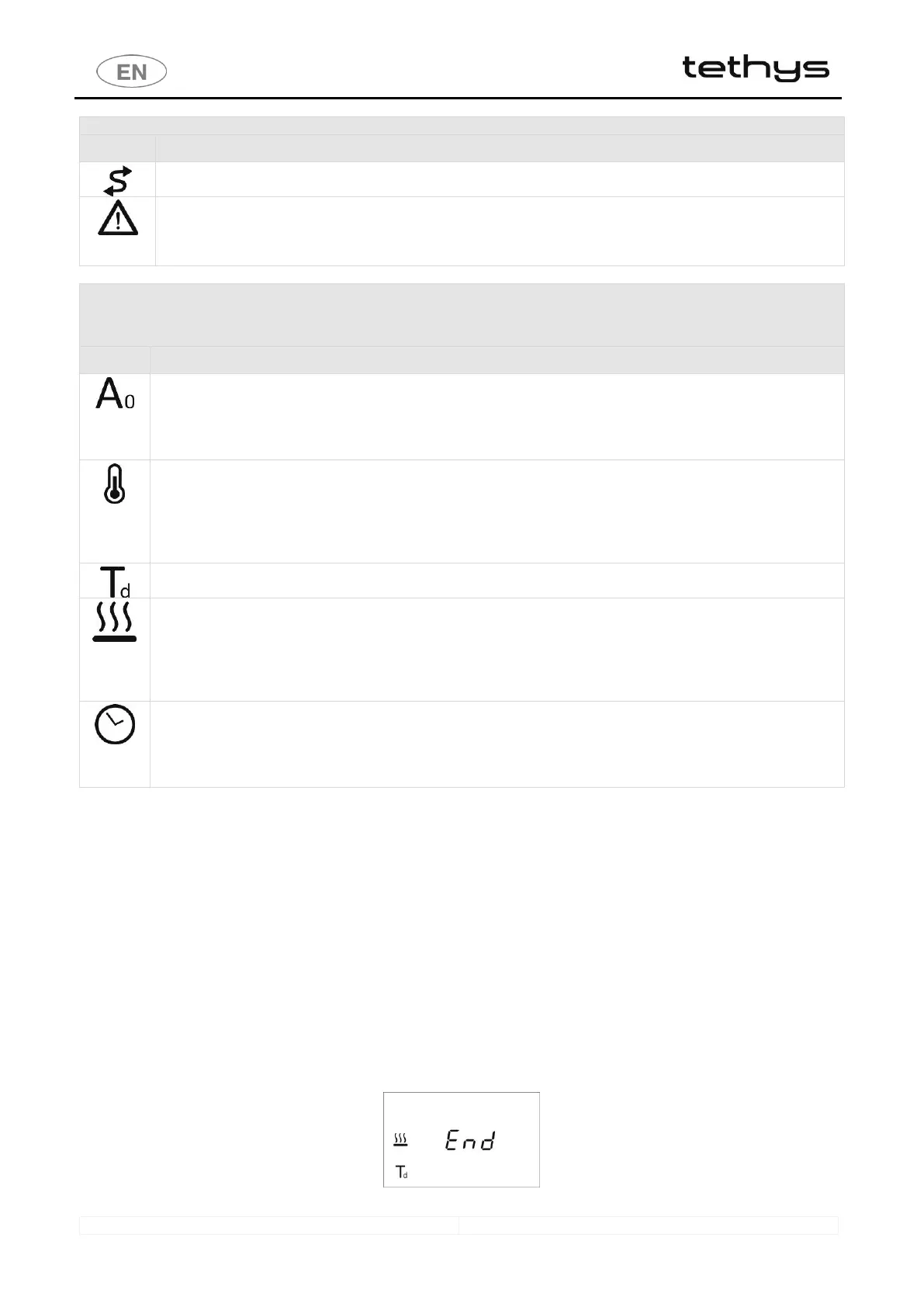
g. Once the selected program has been successfully completed, the display shows “End“.
2.4 END OF CYCLE
On completion of the program, the display shows: “End” - only if the washing phases have been performed and been completed
correctly; “ End” does not appear if the program has been interrupted or if an error which may affect the cycle’s effectiveness has
occurred.
fig. 2 – End of cycle, display screen.



 To Next Page