3 Setup of the parameters via Web-Interface
After having established a connection with the MC's http-Server via Web-Browser, a site with general
information about the MC as well as information about the current state of the device will be displayed. This
site can be accessed without the need of knowing the possibly set “User” + “Password”-combination.
Before being able to access any of the other sites, the “User” + “Password”-combination will be requested.
3.1 General Information
The first site that is visible contains general information regarding the current state of the device and about
its firmware.
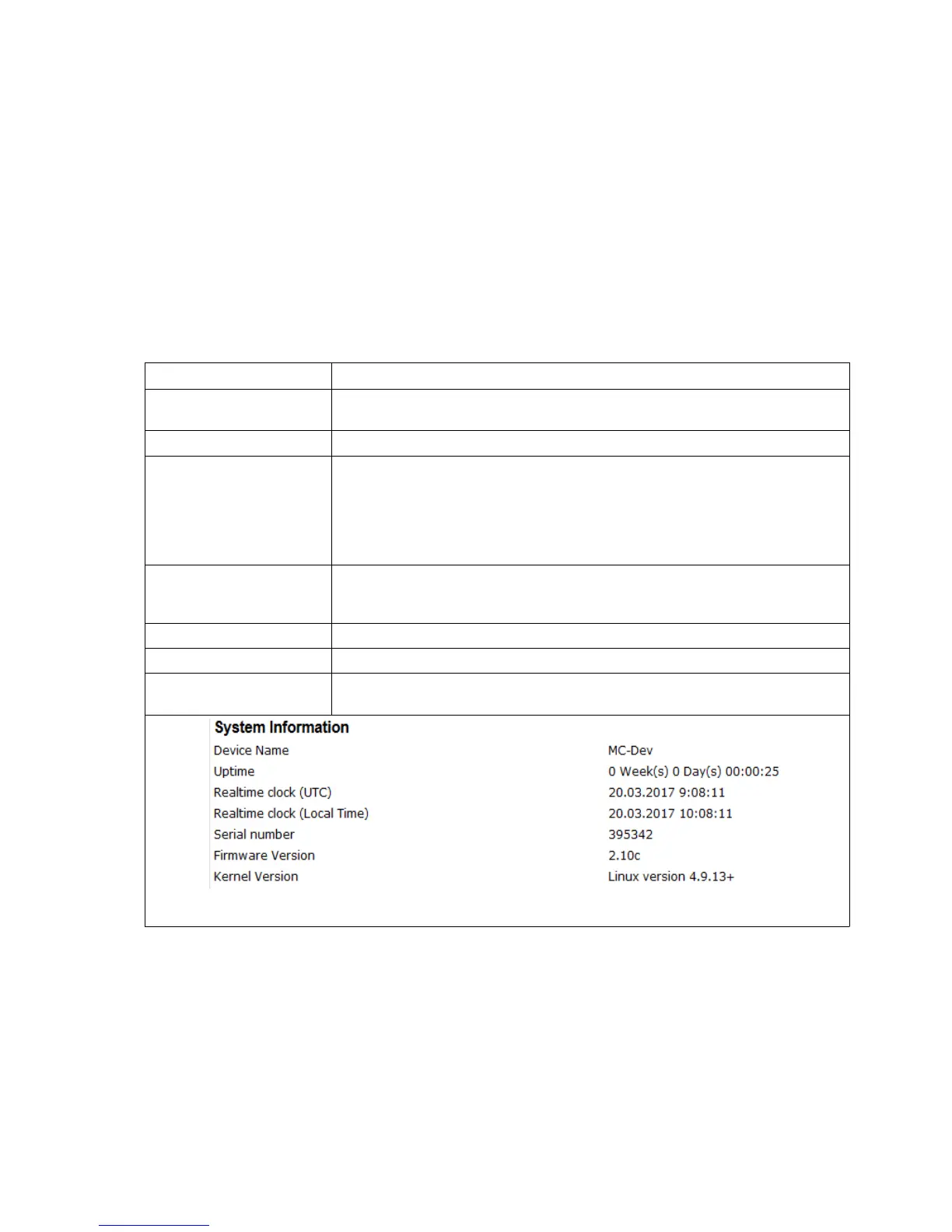
3.1.1 System Information
This section contains general information about the device:
Information Remark
Device Name This information can be edited under → Admin and is being displayed in the
MC-Config-Application as the device's name
Uptime This reflects the time since the MC was switched on or resetted the last time.
Realtime clock (UTC) This shows the internal device time. The MC sets the internal time by default
according to the time and date 2000.01.01 00:00:00
If a time server is set up though, (Configuration → Real Time Server) then the
MC will try to reach it and get the UTC information. If this is successful, the MC
changes the internal time accordingly. The internal time is used as a
timestamp for debug outputs.
Realtime clock
(Local Time)
since Firmware 2.09d
This is the time, taking into account the configured time zone.
Serial number The serial number assigned by the manufacturer.
Firmware Version The currently installed firmware on the device.
Kernel Version The MC firmware is based upon Linux. This version-number refers to the
Linux-version that has been used for the firmware.
Tabelle 3: System Information
MC Manual Version 2.10c



 To Next Page