3.2 Device Menu
In this menu item you can select functions to transfer firmware files to the MC or to handle with config files.
3.2.1 Firmware
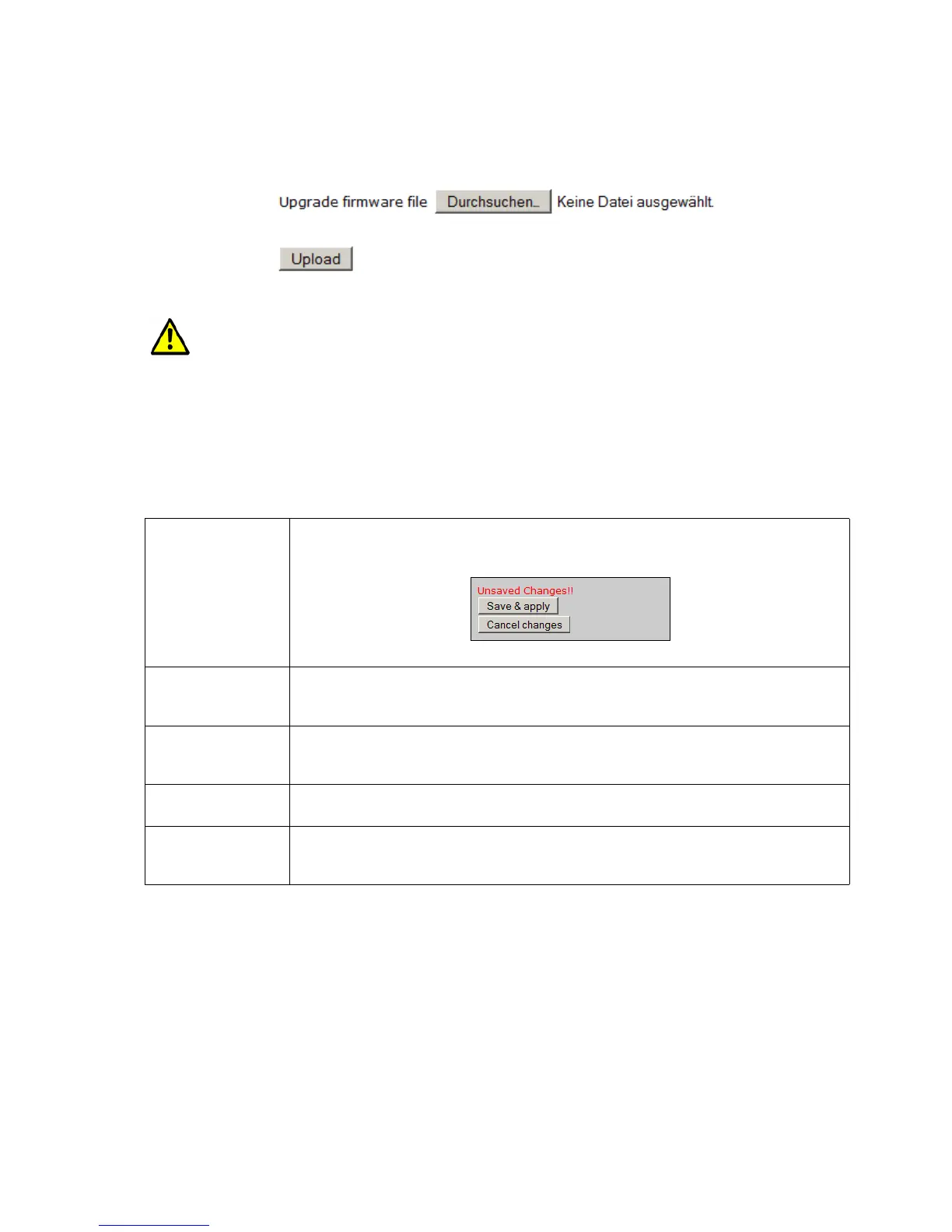
with this dialog a firmware file can be uploaded to the MC
It is very important that the power supply of MC is not interrupted at this stage and also the
reset key is not actuated.
3.2.2 Configuration Management
with this menu item following functions are supported:
Reset configuration
to defaults
With this button all parameters can be set to the factory default values. The user has
to confirm this setting with the button “Save & apply”. With the button “Cancel
changes” the changes will be declined.
Download running
configuration
With this button the running configuration can be stored to a file.
“Running configuration” means the configuration that is currently active on the MC
without the changes made with the actual session.
Download new
configuration
With this button the new configuration can be stored to a file.
“New configuration” means the configuration that is currently active on the MC with
the changes made with the actual session.
Reboot device With this button the MC will make a reboot. Changes made in the actual session will
get lost.
Upload configuration
file
With this dialog a config file can be selected and uploaded to the MC. If parameters
of the current configuration are changed with this upload, a dialog box will appear to
“Save & apply” the new setting or to cancel the changes.
MC Manual Version 2.10c



 To Next Page