107
Display
Operating Procedure
Description
“Technical” Programming
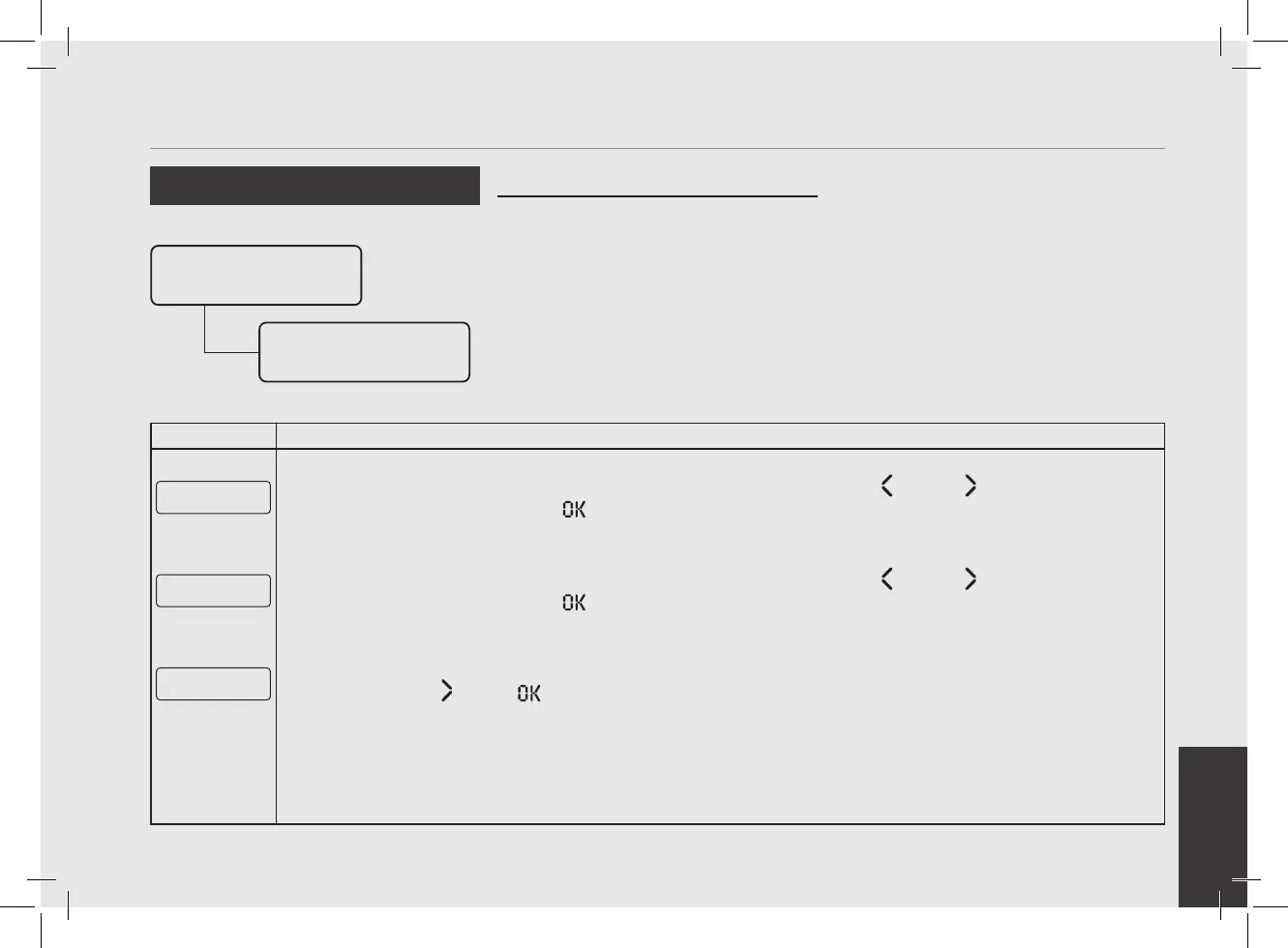
Reset
• This parameter allows the technician to
reset all the values returning to initial
factory settings.
• It is possible to reset the settings you
made in the “Barista” programming or
the settings you made in the “Technical”
programming.
Enter Password
Reset
Settings
Reset
E xit
5
To exit the menu move between the parameters using the buttons T1 and T2 until the exit menu is
displayed. Press the T3 button to exit the menu and return to the normal use of the espresso machine.
E xit
Menu
6
To exit the menu move between the parameters using the buttons T1 and T2 until the exit menu is
displayed. Press the T3 button to exit the menu and return to the normal use of the espresso machine.
G1█ MODBAR G2█
163Puls 0Puls
7
Alternatively, you can exit the “Technical” programming and return to the normal use of the espresso machine
by pressing T2
and T3 at the same time.


 To Next Page