84
Display Operating Procedure
Description
“Technical” Programming
(only on ABR espresso machine models)
Enter Password
Scale
Configuration
Scale Configuration
• This parameter allows the operator to
view and manually change each dose for
each Selection Indicator.
• For greater accuracy and consistency of
the doses, it is recommended that you
set each Selection Indicator.
• The dose can be set by pulses or by
mass (weight).
• This parameter enables the technician
to set some scale parameters like:
- Enabling/disabling the offset
parameter;
- Setting the weight reading time;
- Calibrating the scales;
- Updating the scale software.
G1 Scale
PRESENT
5
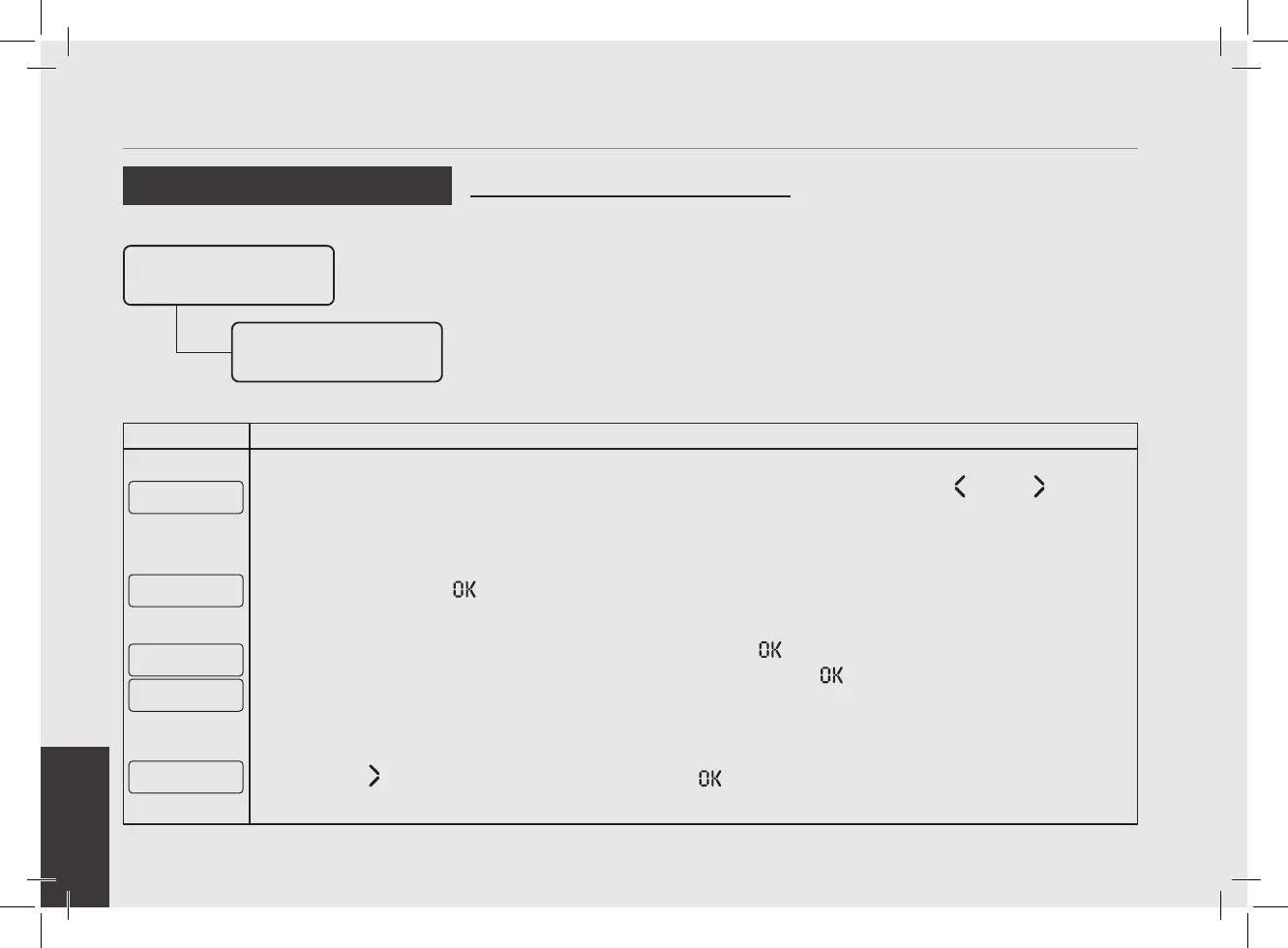
This parameter indicates that the scale is properly connected; navigate using the T1 and T2 buttons to
display the next menu.
Calibrate
G1 Scale
6
Press the T3 button to start the calibration procedure.
Empty G1 Scale
And Press Enter
Place 100g on G1
And Press Enter
7
Remove any object from the scale, then press the T3 button to conrm.
Place the reference weights onto the scale, then press the T3 button
to conrm. At the end of the process,
the self-calibration values or a conrmation message are displayed.
Repeat this operation for each group.
G1 Scale: v2.5.2
Upgrade to 2.5.2
8
Press T2 to proceed with setting and press the T3 button to update the scale rmware if necessary.



 To Next Page